
















RoomDesign – Free AI Room Design for Interior & Home Decor

Images

Drag or upload image

Support jpg/jpeg/png/webp, up to 16MB

Room Type

Room Style

RoomDesign - Free AI Room Designer

Test layouts and styles before you commit, and make confident room design decisions faster.

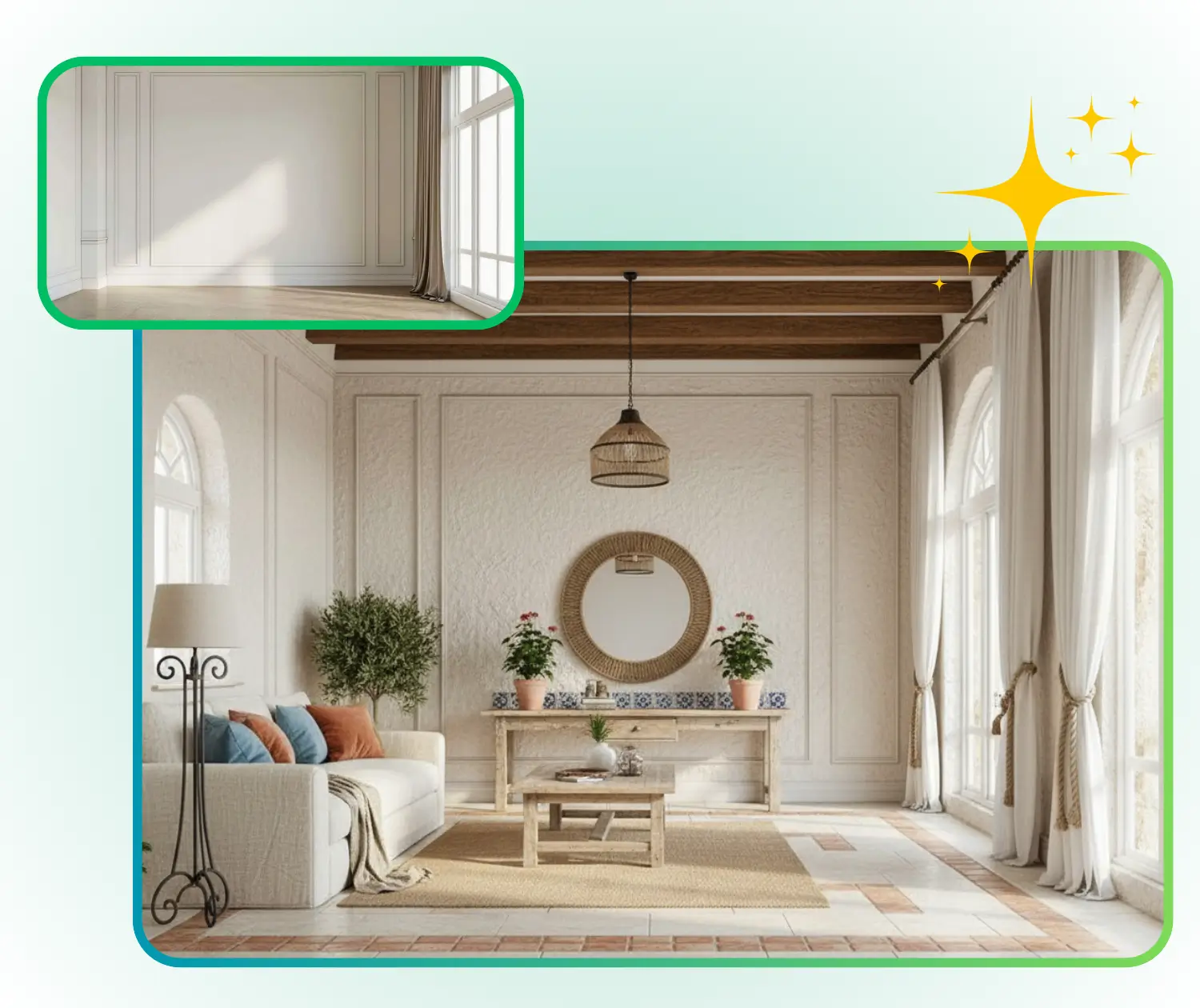
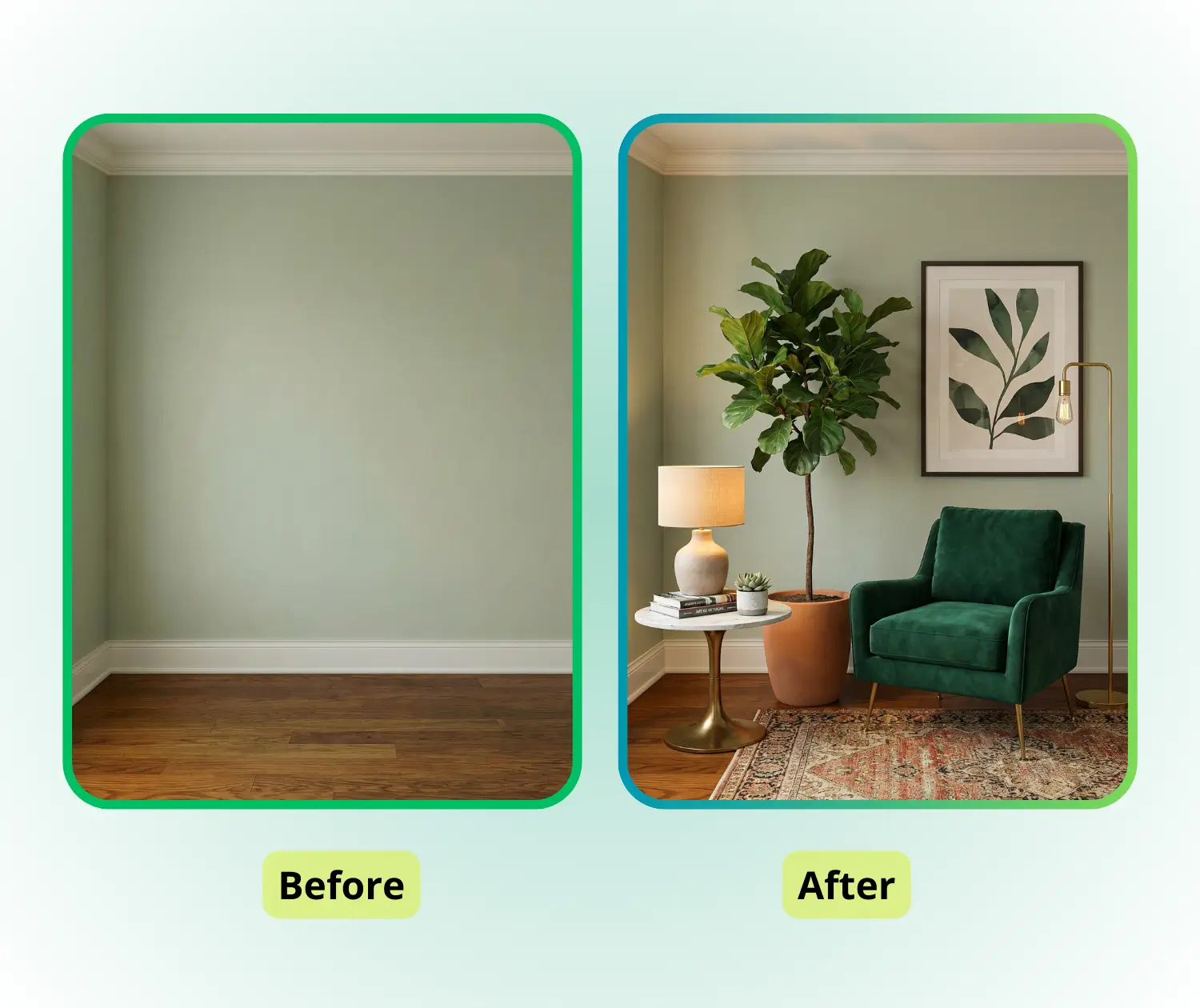
RoomDesign Sample: Professional before
RoomDesign Sample: Professional after
RoomDesign Sample: Professional before
RoomDesign - Rated 4.9+ by RoomDesign Users
Rated 4.9+
by RoomDesign Users
RoomDesign - Rated 4.9+ by RoomDesign Users
RoomDesign - 50k+ Rooms Designed
50K+
Rooms Designed
RoomDesign - 50k+ Rooms Designed
RoomDesign - Trusted By 100+ Organizations
Trusted By 100+
Organizations
RoomDesign - Trusted By 100+ Organizations

Helping homeowners & renters everywhere design rooms easier

Spotify
YouTube
TikTok
Amazon
Business Insider
Forbes
ABC
Buzfeed
CBS
Fox
NBC
Yahoo
Mashable
LifeWire
BBC
Nature
Spotify
YouTube
TikTok
Amazon
Business Insider
Forbes
ABC
Buzfeed
CBS
Fox
NBC
Yahoo
Mashable
LifeWire
BBC
Nature
Spotify
YouTube
TikTok
Amazon
Business Insider
Forbes
ABC
Buzfeed
CBS
Fox
NBC
Yahoo
Mashable
LifeWire
BBC
Nature

RoomDesign – Free AI Room Design for Interior & Home Decor

RoomDesign is an AI-powered room design tool that helps you instantly visualize interior layouts, furniture styles, and decor ideas. Upload a photo or start from scratch to design bedrooms, living rooms, and more with AI.

Design a Room Now
RoomDesign – Free AI Room Design for Interior & Home Decor

What is RoomDesign?

RoomDesign is a practical planning tool that helps turn early ideas into clear room concepts. It focuses on space usage, overall balance, and visual harmony, allowing people without a design background to better understand their options and make confident room planning decisions.

What is RoomDesign?

Why RoomDesign Works for Everyone?

RoomDesign is built to remove barriers from room planning. It offers an easy starting point, clear visual results, and fast outcomes, helping users explore room ideas

Easy to Start, No Design Skills Needed

RoomDesign is made for everyday users. You don’t need training, tools, or prior knowledge. Simply begin with an idea or space, and the process feels natural, clear, and approachable from the first click.

Photo-Real Visuals That Make Space Easy to Understand

Instead of abstract plans or symbols, RoomDesign presents realistic, photo-level visuals. This helps users clearly see proportions, layout flow, and style balance, making spatial ideas easier to grasp at a glance.

Fast Results Without Sign-Up or Waiting

RoomDesign delivers usable room concepts in just minutes. There is no account required and no setup delay, allowing users to quickly review options and gain direction when time matters most.

What Can RoomDesign Help You With?

RoomDesign allows users to explore room possibilities before making decisions.

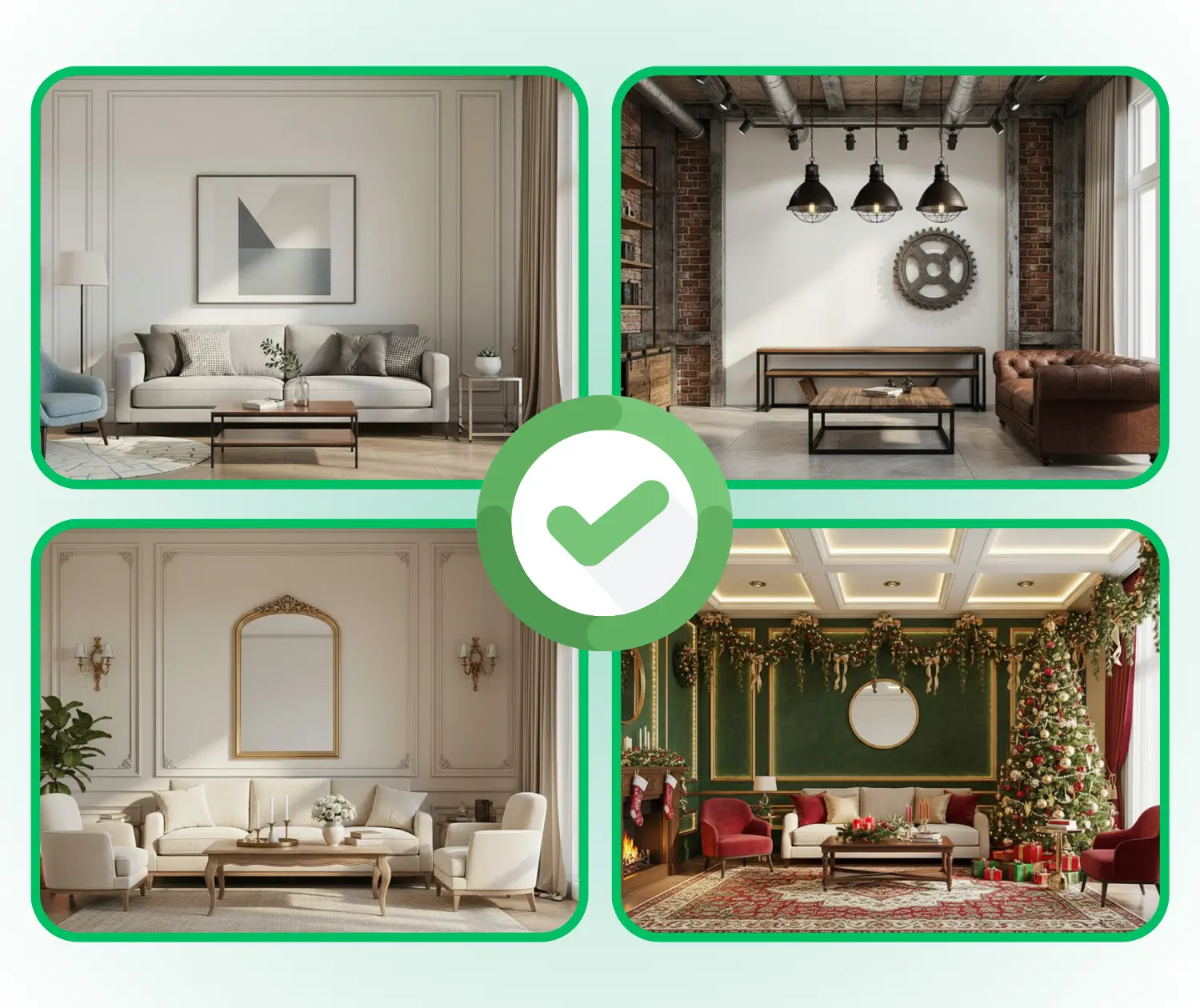
Explore Styles Before Renovation

Before starting a home renovation, it’s often hard to know which style fits best. RoomDesign lets users quickly try different color schemes, furniture combinations, and decor themes. This makes it easier to visualize the overall look, compare options, and find a style that matches personal taste and lifestyle.

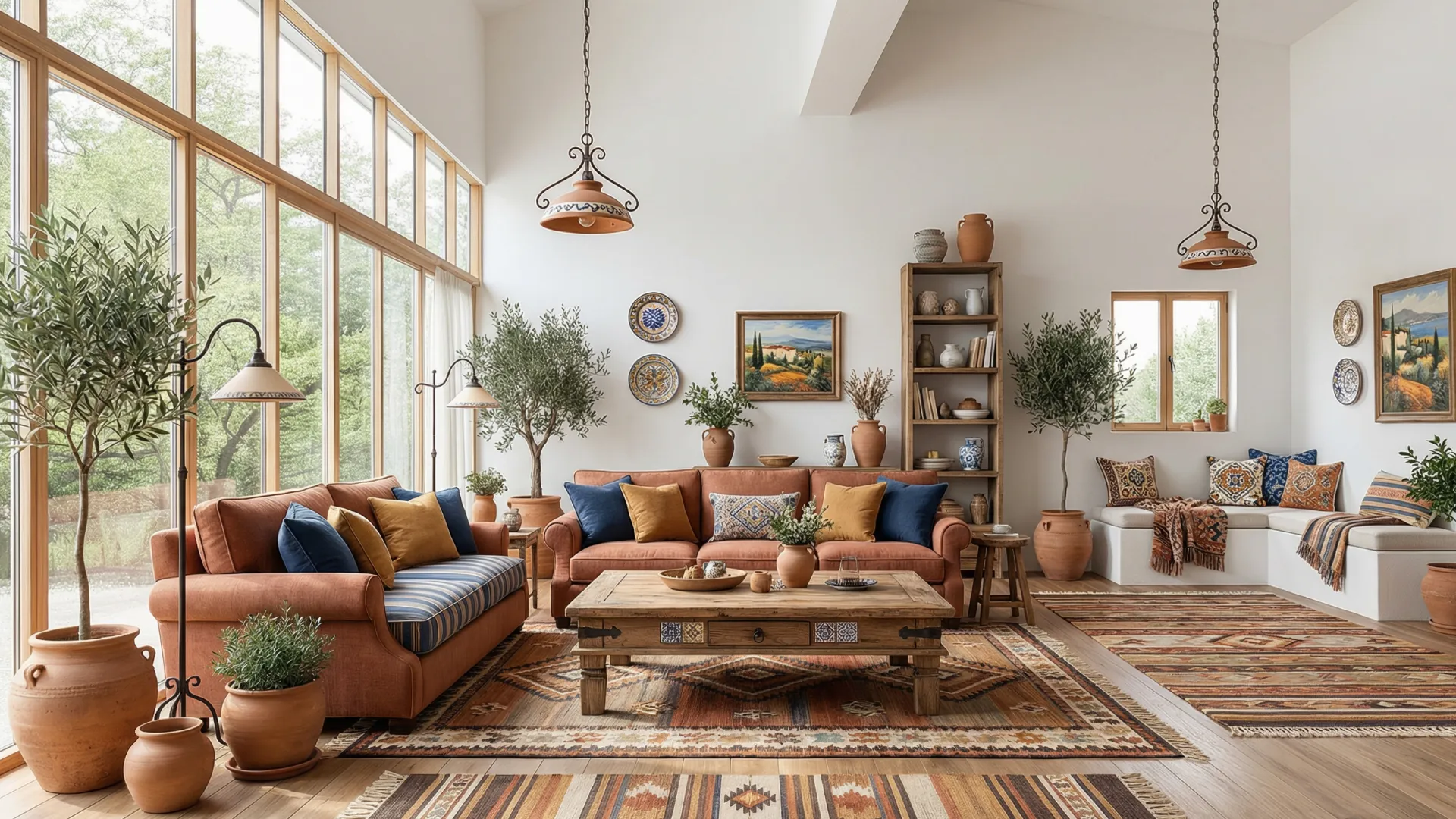
RoomDesign: Explore Styles Before Renovation

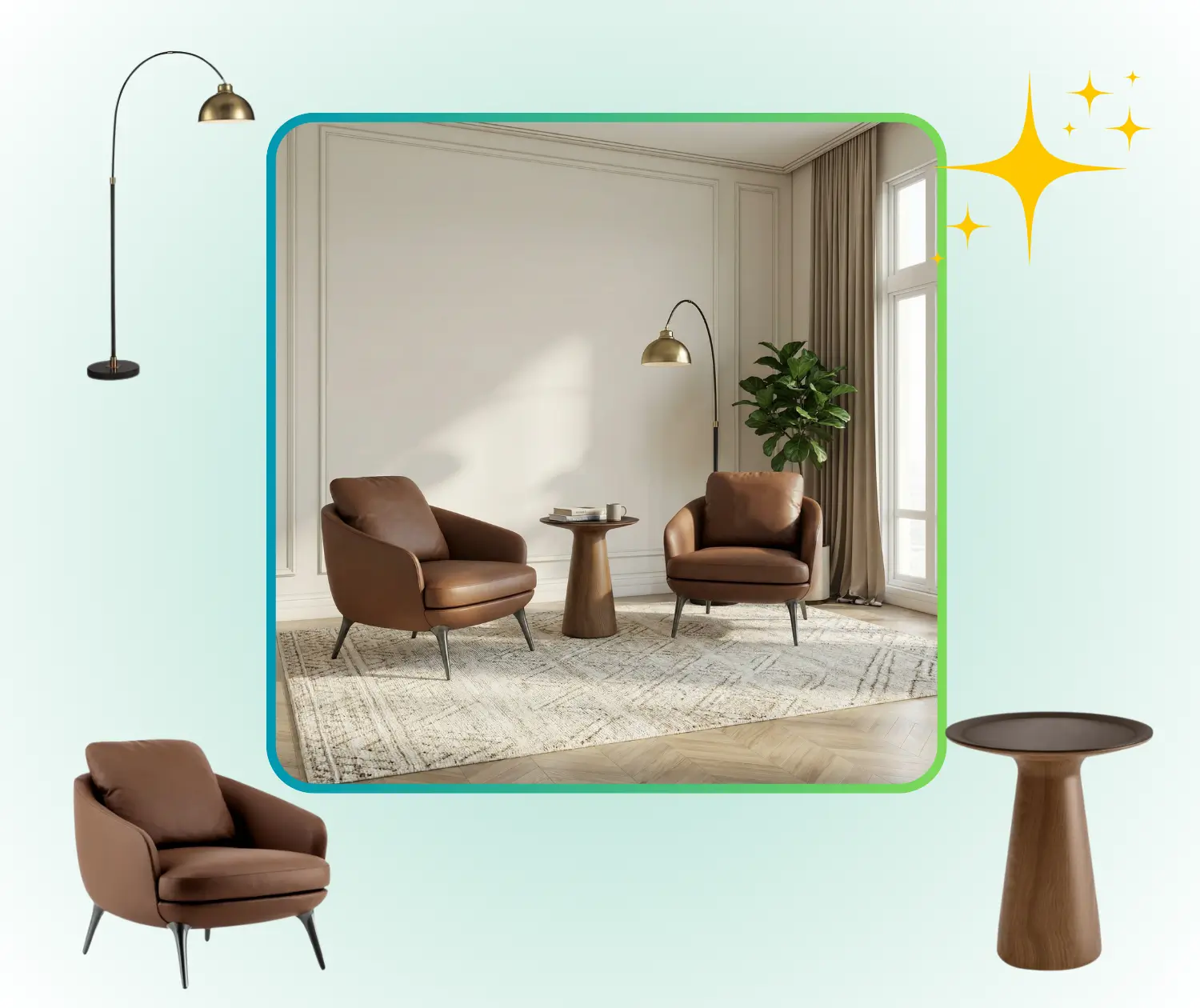
Plan Furniture and Layouts Effectively

Arranging furniture and defining functional areas can be challenging. With RoomDesign, users can create realistic room layouts, experiment with furniture placement, and see how different arrangements affect flow and usability. This helps optimize the space while avoiding guesswork and mistakes.

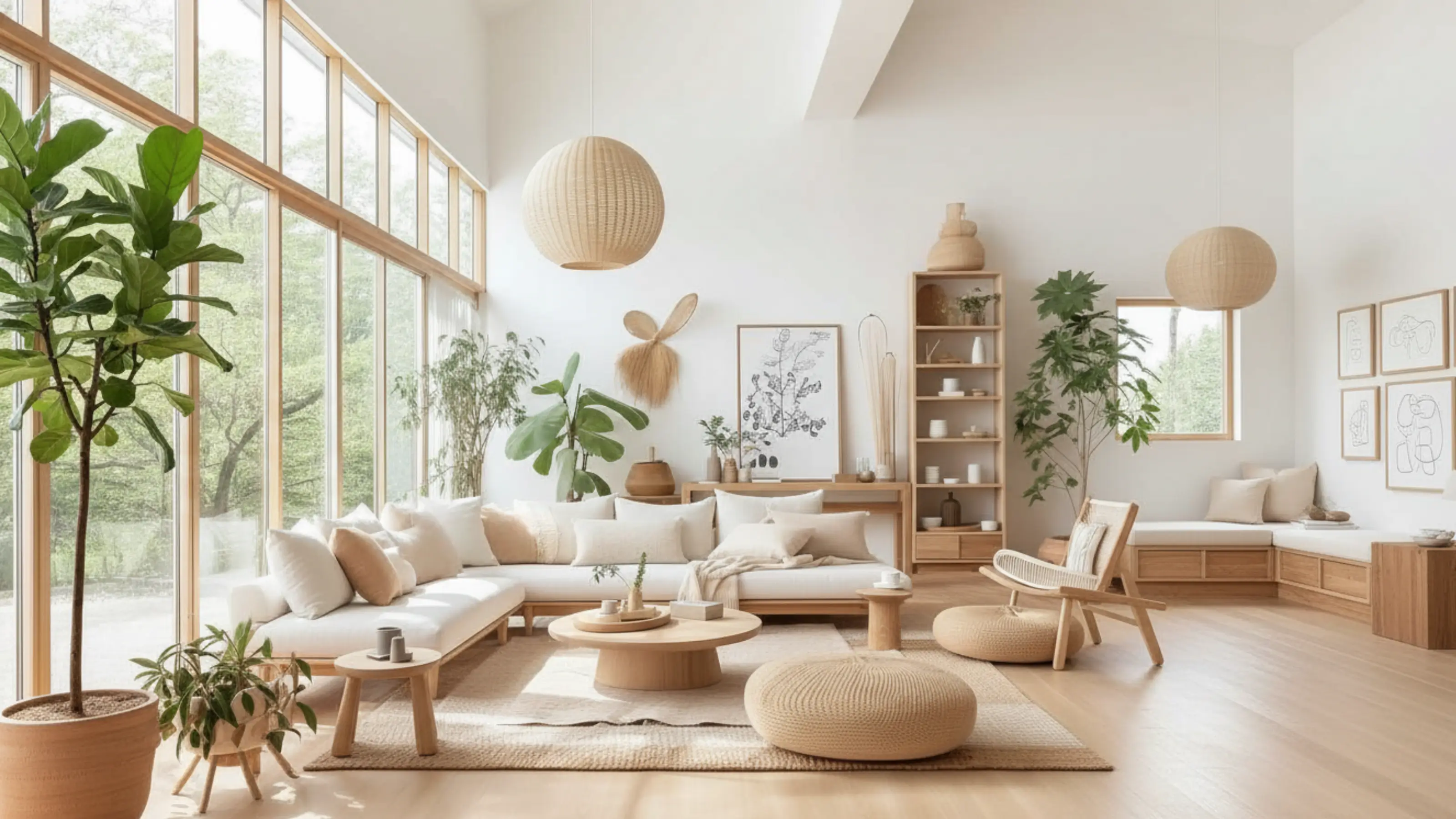
RoomDesign: Plan Furniture and Layouts Effectively

Make the Most of Small Spaces

Small rooms or tricky corners often feel limiting. RoomDesign allows users to test multiple layout ideas, evaluate which setups are feasible, and explore creative solutions for maximizing storage and comfort. It gives a clear understanding of how to use every square foot efficiently.

RoomDesign: Make the Most of Small Spaces

How to Use RoomDesign in 3 Simple Steps

RoomDesign makes room planning easy for everyone. With just a few clicks, you can upload your space, choose a style or describe changes, and quickly generate realistic room.

RoomDesign: Step 1 – Upload Your Room Photo

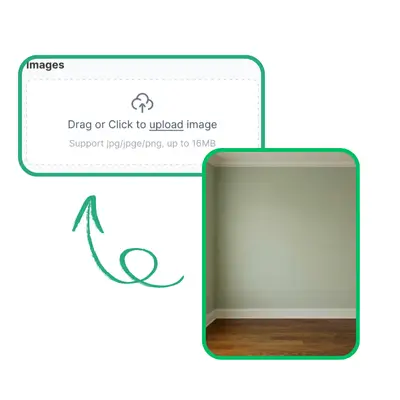
Step 1 – Upload Your Room Photo

Start by uploading a clear photo of your room. RoomDesign uses this image as the foundation, capturing the layout, size, and key features to ensure the generated design matches your real space.

RoomDesign: Step 2 – Choose a Style or Describe Changes

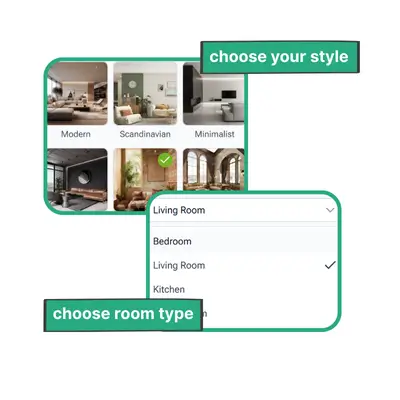
Step 2 – Choose a Style or Describe Changes

Select a preferred design style from the options or describe how you want to modify your room. This helps RoomDesign understand your taste and requirements, so the output reflects your vision.

RoomDesign: Step 3 – Generate and Share Your Room Design

Step 3 – Generate and Share Your Room Design

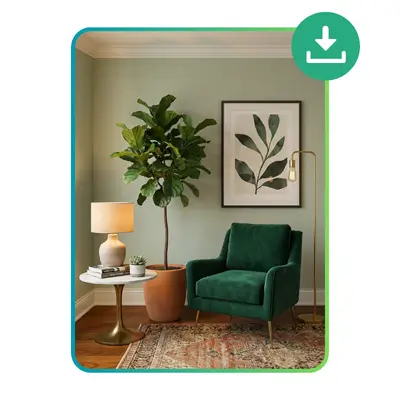
RoomDesign quickly creates a polished, realistic version of your room based on your inputs. You can download high-resolution images and share them with family, friends, or designers to visualize your ideal space.

Start Designing Your Room Today

Bring your room ideas to life with RoomDesign. Upload a photo or start from scratch, explore different styles, and see realistic results instantly. Planning your space has never been easier or faster.

Get Started Free

What Users Say About RoomDesign

J.K. avatar

J.K.

Interior Designer

"RoomDesign completely transformed how I plan my spaces. I can explore multiple layouts and styles quickly, and the photo-realistic previews make it easy to visualize how furniture and decor will actually look in my room. It saves me time, reduces guesswork, and helps me make confident design decisions every time I use it, whether for small adjustments or full room makeovers."
M.L. avatar

M.L.

Homeowner

"I never imagined designing a room could feel this simple and stress-free. RoomDesign allows me to test different color schemes, furniture arrangements, and decor options instantly. Seeing realistic previews helps me understand what will work best in my space, and it makes the process enjoyable and creative. It’s a tool I rely on whenever I want to refresh or reorganize a room."
S.T. avatar

S.T.

Freelance Writer

"RoomDesign has been a game-changer for organizing my small apartment. It helps me plan furniture placement efficiently while keeping the room stylish and balanced. The tool is intuitive and doesn’t require any design background, making it easy for anyone to generate professional-looking results. I can quickly see what works, which saves time, reduces errors, and inspires new ideas for my space."
R.C. avatar

R.C.

Product Manager

"Whenever I want to redecorate a space, RoomDesign is my go-to tool. I love that I can experiment with different ideas in minutes and immediately see realistic results. It helps me understand proportions, layout flow, and visual balance without guesswork. Using RoomDesign makes decorating fun, efficient, and ensures I make decisions that truly enhance the room’s style and functionality."
A.H avatar

A.H

Content Creator

"I used RoomDesign to plan my living room makeover, and it exceeded my expectations. The tool allowed me to try multiple furniture arrangements and styles quickly. The realistic previews made it easy to identify the best combinations and finalize my design confidently. RoomDesign saves me time, helps avoid costly mistakes, and makes the whole design process much more enjoyable and manageable."
L.W. avatar

L.W.

Knowledge Worker

"RoomDesign helped me visualize my bedroom renovation from start to finish. The tool was simple to use, and the photo-realistic previews looked very close to real life. It gave me confidence in my design choices and allowed me to explore multiple layouts and styles. Using RoomDesign made the entire experience smooth, enjoyable, and efficient, ensuring the final results matched my expectations perfectly."

Frequently Asked Questions About RoomDesign