










Images

Drag or upload image

Support jpg/jpeg/png/webp, up to 16MB

Garden Type

Garden Style

Free AI Gardon Design Generator

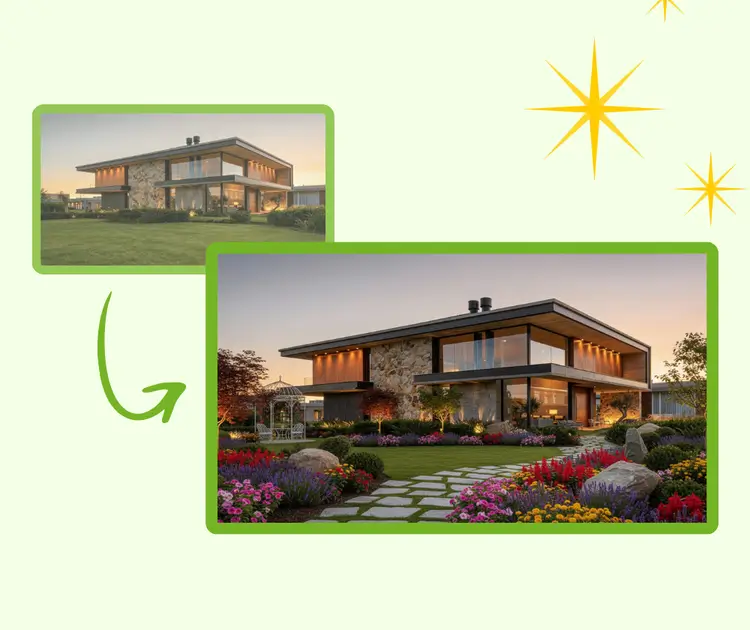
Turn a simple photo into a smart garden layout with AI guidance—visual, practical, and easy to follow.

Garden Design Generator Sample: English | RoomDesign
Rated 4.9+
by RoomDesign Users
50K+
Rooms Designed
Trusted By 100+
Organizations

Helping homeowners & renters everywhere design rooms easier

Free AI Garden Design Generator: Design Garden Online for Free

AI Garden Design Generator generates a personalized garden in minutes. Upload a photo, pick a style, and get a ready-to-use design—no experience needed.

AI Garden Design Generator: Design Garden Online for Free | RoomDesign

What is an AI Garden Design Generator?

AI Garden Design Generator is a smart online tool that helps you plan outdoor spaces using real visual input. It studies the layout, size, and key elements of your garden area, then suggests balanced plant placement, paths, and structure ideas. This tool is ideal for homeowners, renters, and creators who want clear garden planning ideas without learning complex design rules or using professional software.

Garden Design Generator – What is an AI Garden Design Generator? | RoomDesign

Why Choose an AI Garden Design Generator?

This AI Garden Design Generator is built to make garden planning simple and practical. It focuses on real spaces, clear structure, and flexible styles. Every output is easy to understand and ready to apply, even for first-time users working on small or complex outdoor areas.

Clear Garden Designs with No Experience Required

You do not need design knowledge or gardening skills to use this tool. The system explains layout ideas in a simple way and shows where key elements should go. Each plan is made to be followed step by step, helping beginners avoid common planning mistakes.

One-Click Style Switching for Any Garden Look

You can instantly switch between Modern, Japanese, Cottage, Minimal, and other popular styles. Each option changes the layout logic, plant balance, and visual mood. This allows you to compare different garden styles quickly and choose what fits your space and taste best.

Smart Layouts Based on Your Real Space

The tool adjusts every plan using your garden’s size and shape. It considers narrow areas, open yards, and uneven layouts to create balanced results. This space-aware approach helps avoid overcrowding and makes better use of available ground.

What Can an AI Garden Design Generator Help With?

An AI Garden Design Generator supports different real-life garden planning needs. It works well for full yard planning, small outdoor areas, and early-stage garden upgrades. Each use case focuses on practical layouts that match space limits, personal goals, and everyday living needs.

Get a Practical Design for Your Backyard Fast

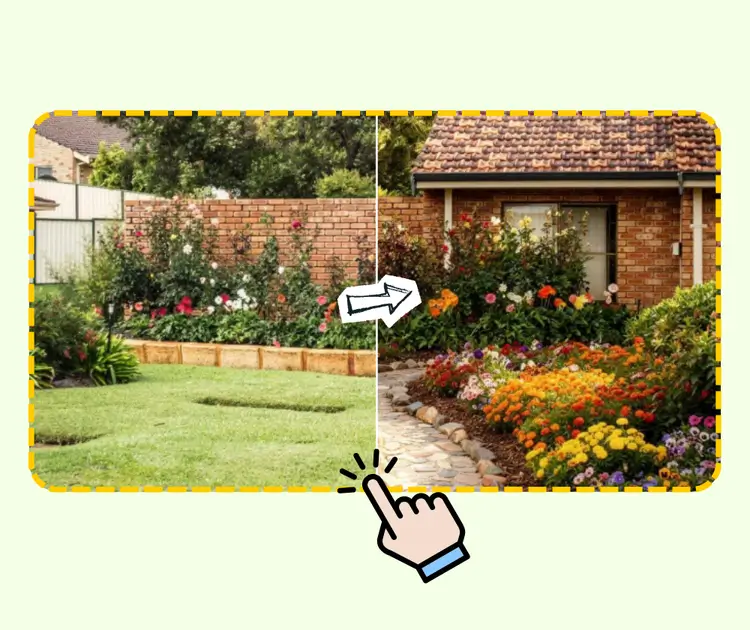
Many homeowners want a clear plan before starting any outdoor work. This tool helps you turn an empty or messy backyard into a usable layout in a short time. By reviewing the space structure, it suggests zones for plants, paths, and activity areas. The result helps users make confident decisions without hiring a designer.

AI Garden Design Generator: Get a Practical Design for Your Backyard Fast

Create a Balanced Layout for Small Garden Spaces

Small gardens need careful planning to avoid clutter. This tool helps users make better use of limited space by arranging key elements in a clean and open way. It works well for narrow yards, patios, or compact homes, helping users achieve both function and visual comfort.

AI Garden Design Generator: Create a Balanced Layout for Small Garden Spaces

Support Beginners and DIY Garden Projects

For beginners and DIY fans, planning is often the hardest step. This tool offers clear guidance that reduces guesswork. It shows how different elements fit together and helps users follow a simple structure. Even without experience, users can move forward with confidence and avoid common layout errors.

AI Garden Design Generator: Support Beginners and DIY Garden Projects

How to Use the AI Garden Design Generator

This AI Garden Design Generator is designed for quick and simple use. The process follows three clear steps that guide you from a real garden photo to a finished visual plan. No technical knowledge is required, and each step focuses on clarity and ease.

Garden Design Generator: Step 1: Upload a Photo of Your Garden Space | RoomDesign

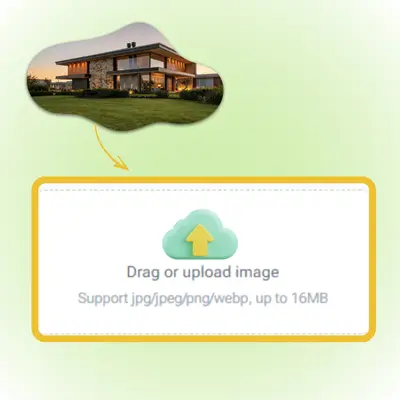
Step 1 - Upload a Photo of Your Garden Space

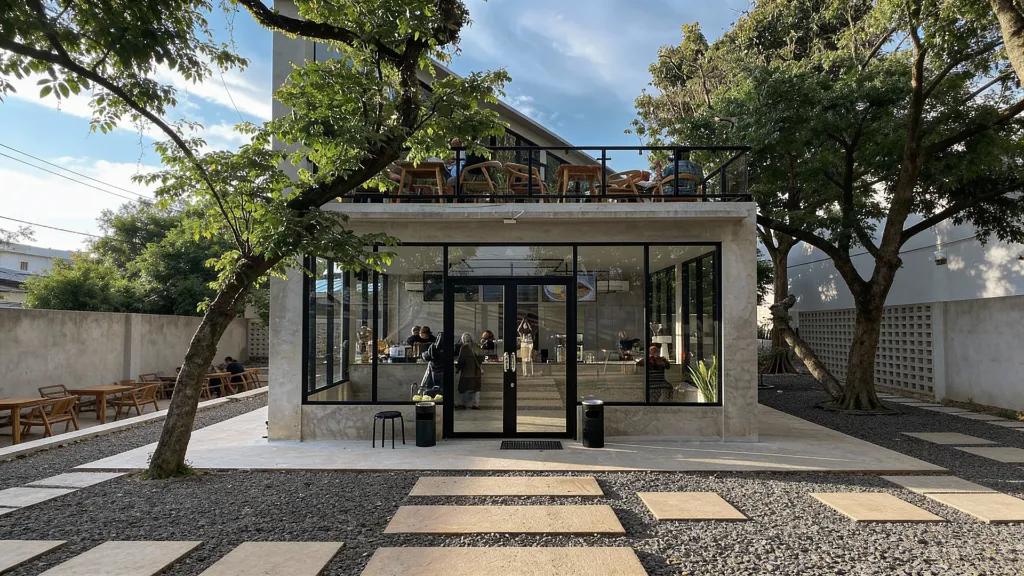
Start by uploading a clear photo of your garden area. The image helps the tool understand the layout, boundaries, and key features of your space. Photos from different angles also work well and improve accuracy. This step builds the base for a layout that fits real conditions.

Garden Design Generator: Step 2: Choose or Customize a Garden Style | RoomDesign

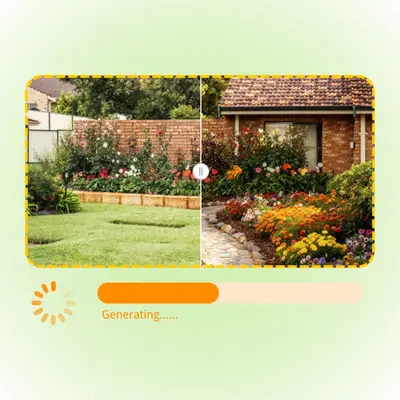
Step 2: Choose or Customize a Garden Style

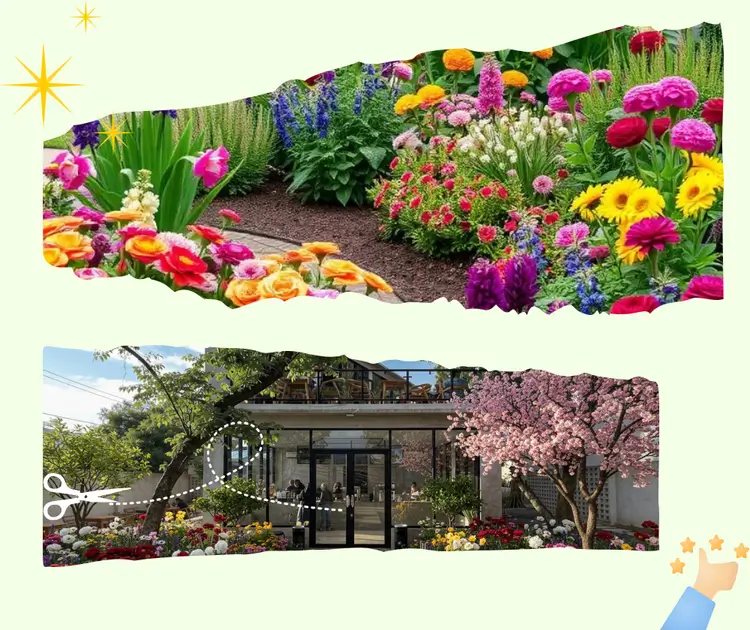
Select a garden style such as Modern, Japanese, Cottage, or Minimal. You can also adjust style details to match personal taste. This step changes the overall mood, structure, and balance of the layout, helping you explore different visual directions before making a choice.

Garden Design Generator: Step 3: Download and Share the Final Design Image | RoomDesign

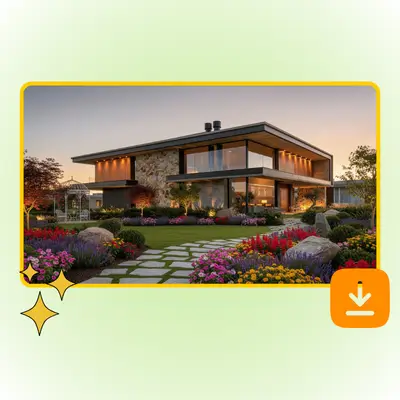
Step 3: Download and Share the Final Design Image

Once the design is ready, review the generated garden images and choose your favorite version. Download the high-resolution file with one click. You can then share it with family, friends, or builders to discuss ideas and plan next steps.

Start Designing Your Garden Today

Turn your outdoor space into a clear and workable plan in just a few steps. Upload a photo, explore different styles, and see how your garden can look before you make any changes. It’s a simple way to plan with confidence and avoid guesswork.

Design Your Garden

What Users Say About the AI Garden Design Generator

J.K. avatar

J.K.

Homeowner

I had no idea how to plan my backyard before using this tool. The AI Garden Design Generator gave me a clear layout that actually matched my space. I liked that the design was easy to understand and not just a pretty image. It helped me decide where to place plants and paths without guessing. For someone with no design background, this felt very practical and realistic.
M.L. avatar

M.L.

Apartment Resident

As someone living in a small house, space planning is always difficult. The AI Garden Design Generator surprised me with how well it handled my narrow yard. The layout felt balanced and open, not crowded. I could switch styles and see real differences, which helped me choose a look that fit my lifestyle. It saved me a lot of time compared to searching ideas online.
S.T. avatar

S.T.

DIY Enthusiast

I enjoy DIY projects, but garden planning was always confusing for me. The AI Garden Design Generator broke everything into simple visual steps. I did not feel lost at any point. The result looked clean and usable, not overly complex. It gave me confidence to start my garden update without hiring a professional designer.
R.C. avatar

R.C.

Property Owner

I used the AI Garden Design Generator to test ideas before spending money on plants and materials. Seeing a clear plan first made a big difference. The tool adjusted well to my yard size and shape, which many design apps fail to do. It helped me avoid costly mistakes and plan more carefully.
A.H avatar

A.H

First-Time Gardener

What I liked most about the AI Garden Design Generator was how simple it felt. I uploaded a photo, chose a style, and quickly understood the result. The design was not abstract or confusing. It felt made for real people who want clear direction instead of technical drawings.
L.W. avatar

L.W.

Project Coordinator

I needed a fast way to explain my garden idea to my family. The AI Garden Design Generator gave me a visual plan that was easy to share and discuss. Everyone understood the layout right away. It made communication much easier and helped us agree on the next steps.

Frequently Asked Questions

No prior skills are required. The AI Garden Design Generator is built for beginners and everyday users. It focuses on clear visual layouts and simple structure ideas instead of technical plans. The tool guides you through each step, helping you understand how different elements fit together. Even if you have never planned a garden before, you can still create a design that feels balanced and realistic for your space.

Yes. The AI Garden Design Generator adjusts the layout based on the photo you upload and the visible space limits. It considers the overall shape, open areas, and boundaries to create a design that fits your garden conditions. While it is not a survey tool, the results are suitable for planning and idea validation before starting real work.

You can explore multiple styles using one image. The AI Garden Design Generator lets you switch between Modern, Japanese, Cottage, Minimal, and other looks without uploading again. Each option changes the structure and visual balance. This helps you compare ideas easily and decide which style works best for your outdoor area.

Yes. Small spaces are a common use case. The AI Garden Design Generator helps reduce clutter by suggesting simple layouts that improve flow and openness. It works well for compact yards, patios, or limited outdoor zones. The goal is to make better use of available space without overcrowding the area.

After the design is complete, you can download a high-quality image. The AI Garden Design Generator provides visuals that are easy to share with family members, friends, or builders. This makes discussion and planning simpler, especially when explaining ideas to others who are not familiar with garden planning.

This tool is designed for early planning and idea exploration. The AI Garden Design Generator helps users understand layout options and style direction before making decisions. For complex projects or construction-level work, a professional may still be needed. However, many users find it useful for saving time and avoiding unclear planning steps.