









Images

Drag or upload image

Support jpg/jpeg/png/webp, up to 16MB

Free AI Kitchen Planner

See how your kitchen can work better before you renovate, using AI layouts built for real spaces.

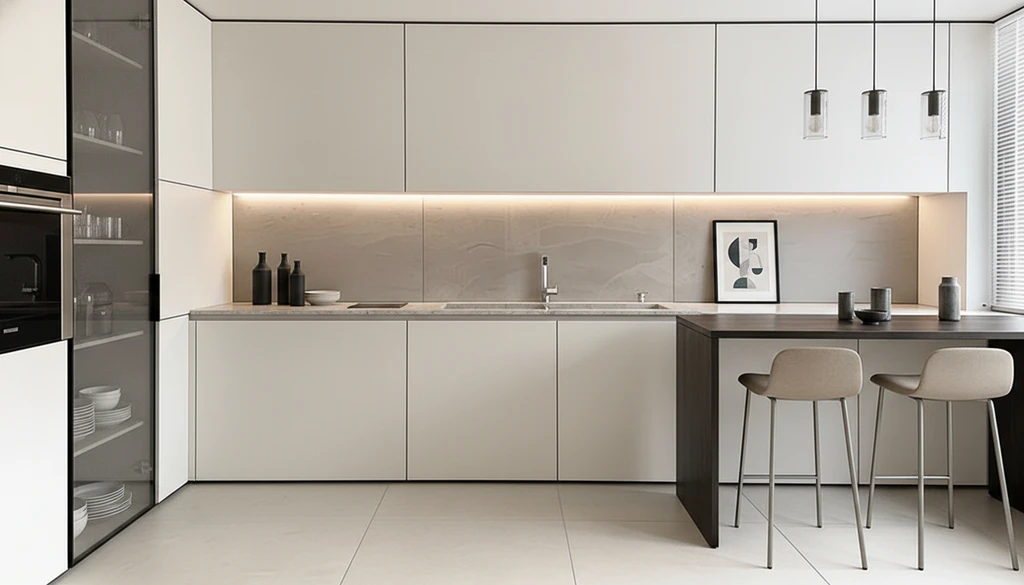
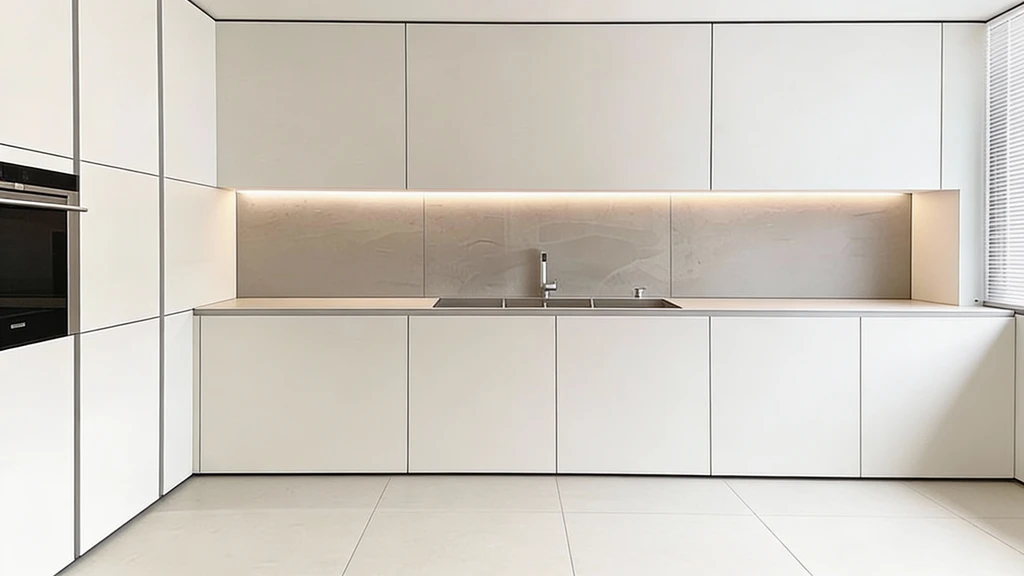
AI Kitchen Planner Sample: Auto Layout | RoomDesign
Rated by users

Trusted by 10M+ Designers & Renters

Article
Autodesk
Compass
Crate & Barrel
Floor & Decor
IKEA
Lowe's
Redfin
Wayfair
Zillow

AI Kitchen Planner: Plan Your Kitchen Online for Free

RoomDesign's AI Kitchen Planner redesigns kitchens with AI. Upload a photo, explore layout ideas, and compare designs before renovation—no experience needed.

AI Kitchen Planner: Plan Your Kitchen Online for Free

What is an AI Kitchen Planner?

An AI Kitchen Planner is a smart planning tool that helps you organize kitchen space in a visual and practical way. It analyzes the room layout, size, and key structures to suggest clear arrangements for cabinets, counters, and work areas. This tool is useful for kitchen renovation planning, small kitchen layouts, and early remodeling ideas, helping users explore options before making final decisions.

AI Kitchen Planner: What is an AI Kitchen Planner? | RoomDesign

Why Choose an AI Kitchen Planner for Real Homes?

This AI Kitchen Planner is built for real-life kitchen planning, not abstract design ideas. It focuses on how space is actually used, helping users explore layouts that fit their rooms, daily habits, and renovation goals. From photo-based planning to small kitchen optimization, it supports smarter decisions before construction begins.

Designs Based on Your Real Kitchen Photo

The tool creates plans from an actual kitchen photo instead of a blank template. It reads the room’s size, shape, and structure to generate a layout that feels personal and realistic. This approach helps users see ideas that truly match their home, making early planning more reliable and easier to trust.

Practical Layouts That Balance Use and Style

Rather than offering style images only, the AI Kitchen Planner focuses on workable layouts. It suggests cabinet placement, counter zones, and clear work paths that support daily cooking needs. The result combines visual appeal with function, so the kitchen looks good and works well at the same time.

Smart Optimization for Small Kitchen Spaces

Small kitchens need careful planning to avoid wasted areas. This feature is designed to make limited space feel more open and efficient. The planner adjusts layouts to reduce clutter, improve movement, and use corners wisely, helping compact kitchens stay comfortable without feeling crowded.

What Can an AI Kitchen Planner Help You Do?

An AI Kitchen Planner supports different kitchen planning needs, from renovation previews to early design ideas. It helps users explore layouts, test visual changes, and communicate plans more clearly. This tool fits homeowners, DIY users, and professionals who want faster and more confident kitchen decisions.

Compare Kitchen Renovation Plans Before Building

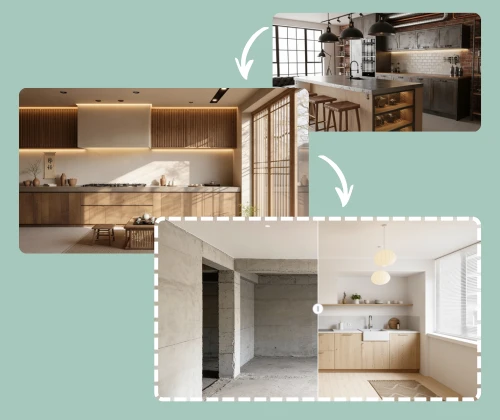
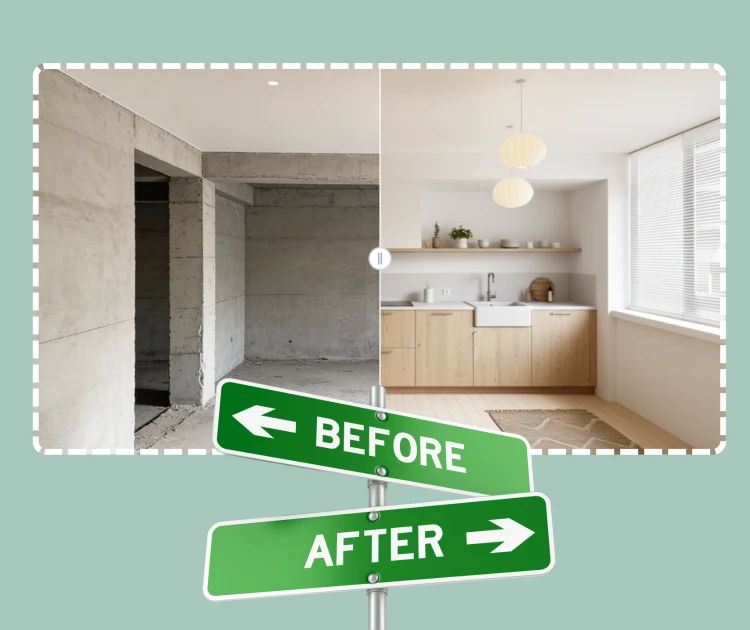
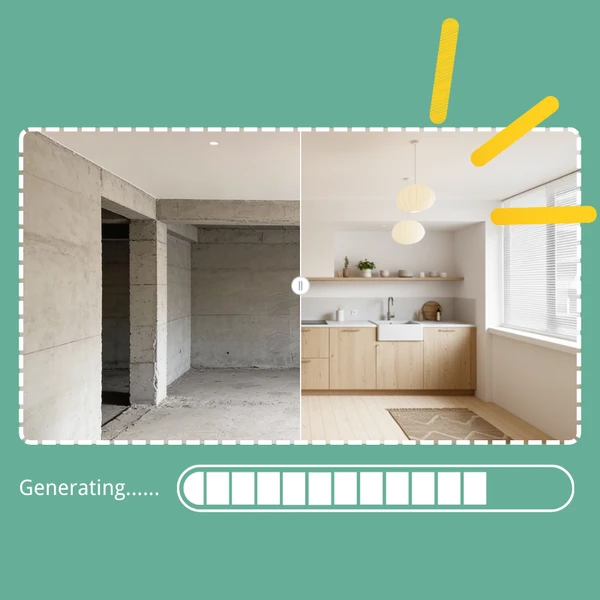
For renovation users, the AI Kitchen Planner makes it easy to test multiple layout ideas in a short time. Users can view different kitchen arrangements and see how changes may affect space, flow, and storage. This helps compare before-and-after results visually, reducing uncertainty and allowing better planning before any physical work begins.

AI Kitchen Planner: Compare Kitchen Renovation Plans Before Building

Visual Guide for DIY Kitchen Styling and Setup

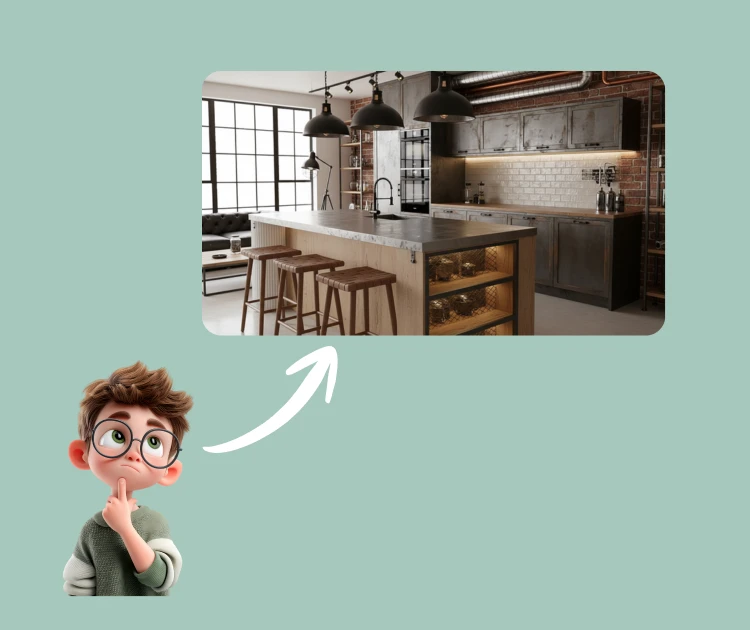
DIY users often know what they like but struggle to turn ideas into clear visuals. The planner helps transform personal taste into visible layouts, showing how cabinets, colors, and soft furnishings can work together. This guidance makes it easier to plan kitchen setup independently and apply design choices with more confidence.

AI Kitchen Planner: Visual Guide for DIY Kitchen Styling and Setup

Early Inspiration Tool for Interior Designers

Interior designers can use the AI Kitchen Planner to speed up early project stages. It helps create quick layout ideas to share with clients and gather feedback faster. This improves communication, shortens revision cycles, and supports smoother collaboration before moving into detailed design work.

AI Kitchen Planner: Early Inspiration Tool for Interior Designers

How to Use the AI Kitchen Planner in Three Simple Steps

This AI Kitchen Planner is designed to keep kitchen planning clear and stress-free. The process focuses on real photos, visual choices, and instant previews, helping users explore layout ideas and design directions without complex tools or technical knowledge.

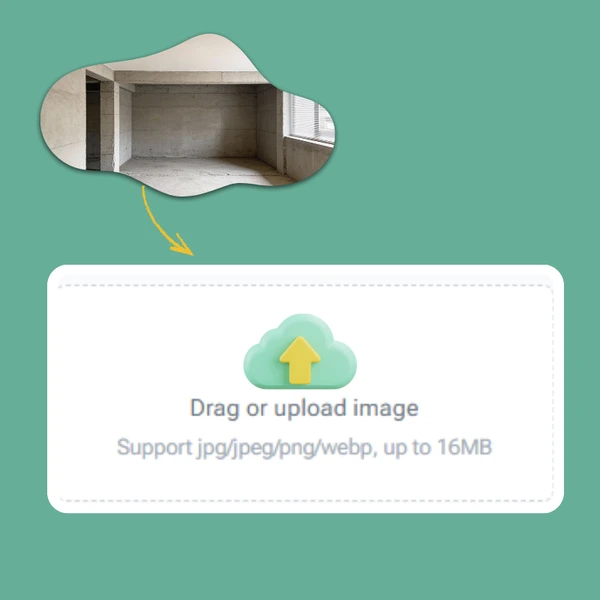
AI Kitchen Planner - Step 1: Upload a Photo of Your Current Kitchen | RoomDesign

Step 1: Upload a Photo of Your Current Kitchen

Start by uploading a clear photo that shows your kitchen as it is today. The planner uses this image to understand the room’s structure, size, and key elements. A real photo helps the system create results that feel accurate and closely matched to your actual space.

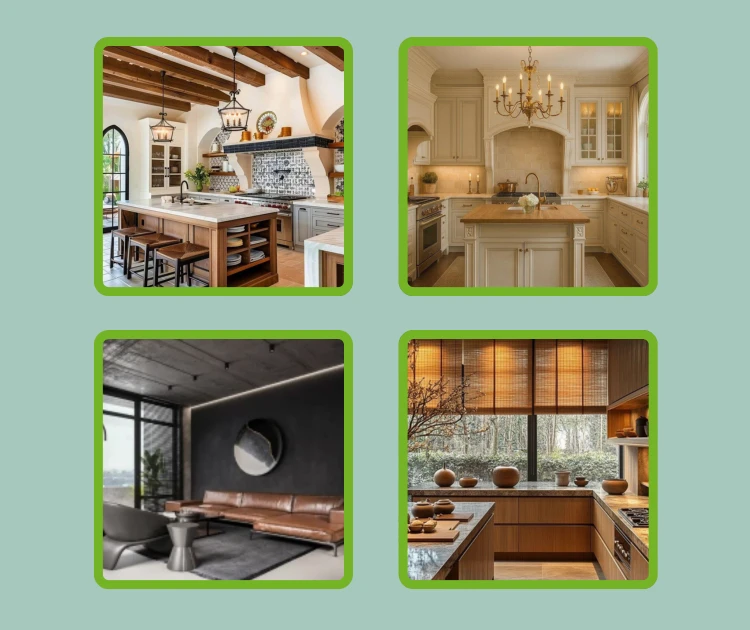
AI Kitchen Planner - Step 2: Choose a Kitchen Style You Like | RoomDesign

Step 2: Choose a Kitchen Style You Like

Next, select a kitchen style that fits your taste, such as modern, minimal, or classic. This step guides the visual direction of the layout and finishes. The tool adapts the selected style to your kitchen instead of forcing a fixed design, keeping the result personal and flexible.

AI Kitchen Planner - Step 3: Preview, Download, or Share the Final Result | RoomDesign

Step 3: Preview, Download, or Share the Final Result

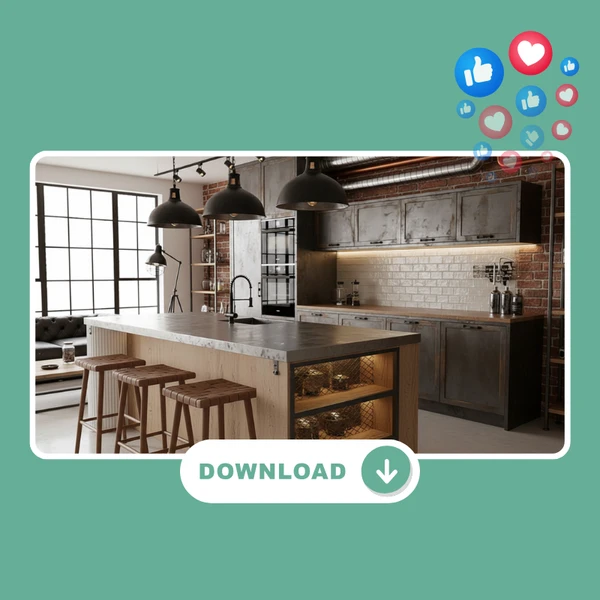
View the completed kitchen design directly online with clear details and realistic visuals. You can download a high-resolution image for reference or share it with family and friends to gather feedback. This makes planning and discussion easier before any renovation begins.

Start Planning Your Kitchen with Confidence

Use the AI Kitchen Planner to turn real kitchen ideas into clear visual plans. Upload a photo, explore layouts that fit your space, and review design options before renovation begins. This simple process helps reduce uncertainty and supports smarter decisions from the start.

Plan My Kitchen

What Users Say About the AI Kitchen Planner

J.K. avatar

J.K.

Kitchen Remodel Planner

“Before remodeling my kitchen, I needed a way to see real layout options without hiring a designer first. The AI Kitchen Planner helped me understand how my kitchen could be organized better using my existing space. I tested several arrangements and felt more confident choosing a final direction. The AI Kitchen Planner reduced guesswork and made planning feel much more controlled.”
M.L. avatar

M.L.

Condo Owner

“Living in a compact condo means every cabinet and counter matters. The AI Kitchen Planner showed layouts that made my kitchen feel more open and functional. I could clearly see how different setups would change movement and storage. Using an AI Kitchen Planner helped me avoid ideas that would have wasted space.”
S.T. avatar

S.T.

Home DIY Planner

“I like to plan my own home projects, but kitchen layouts are hard to picture. The AI Kitchen Planner helped turn rough ideas into clear visuals that I could actually evaluate. Instead of relying on guesswork, I reviewed several options and adjusted my plan. This AI Kitchen Planner made the process easier without needing design skills.”
R.C. avatar

R.C.

Design Consultant

“As a design consultant, I use the AI Kitchen Planner during early concept discussions with clients. It helps create fast layout ideas that clients can understand quickly. The AI Kitchen Planner supports better communication and speeds up approval before moving to detailed plans.”
A.H avatar

A.H

Renovation Project Manager

“I manage renovation projects and often need quick layout ideas to test feasibility. The AI Kitchen Planner allowed me to explore kitchen options without slowing the process. I could review different setups and choose practical directions early. Using an AI Kitchen Planner helped keep projects moving smoothly.”
L.W. avatar

L.W.

First-Time Kitchen Planner

“Planning my first kitchen update felt overwhelming at the start. The AI Kitchen Planner made it easier to see what was possible in my space. Uploading a photo and reviewing results helped me feel more prepared before talking with contractors. This AI Kitchen Planner gave me clarity early in the process.”

Frequently Asked Questions – AI Kitchen Planner

Not at all. Most people using an AI Kitchen Planner are doing kitchen planning for the first time. You don’t need to understand layouts, measurements, or design rules. You simply upload a photo of your kitchen and look at the results. The AI Kitchen Planner shows clear visual ideas instead of technical drawings, so you can tell what works and what doesn’t without feeling overwhelmed.

Yes, and that’s one of the main reasons people use an AI Kitchen Planner. Small kitchens are often the hardest to plan because mistakes are easier to make. The AI Kitchen Planner focuses on how space is used, not just how it looks. It helps show which layouts feel too tight and which ones improve movement, storage, and comfort in limited areas.

The results are meant to help you plan, not replace professional construction drawings. An AI Kitchen Planner uses your real kitchen photo to create visual layouts that feel close to real life. This makes it much easier to imagine the finished space. Many users use these images to decide direction before talking with contractors or designers.

Yes. One of the biggest advantages of using an AI Kitchen Planner is being able to compare ideas. You can look at different layouts for the same kitchen and see how each option changes flow, storage, and overall feel. This helps you avoid settling on the first idea and gives you confidence before moving forward.

It works for both. Homeowners use the AI Kitchen Planner to feel more prepared, while designers and builders often use it to speed up early conversations. It helps everyone get on the same page faster by showing visual ideas instead of explaining concepts with words alone.

Once your design is ready, you can view it online, download a high-quality image, or share it with others. Many people send the results to family members or professionals to get feedback. Using an AI Kitchen Planner this way helps avoid confusion and makes planning discussions much easier.