
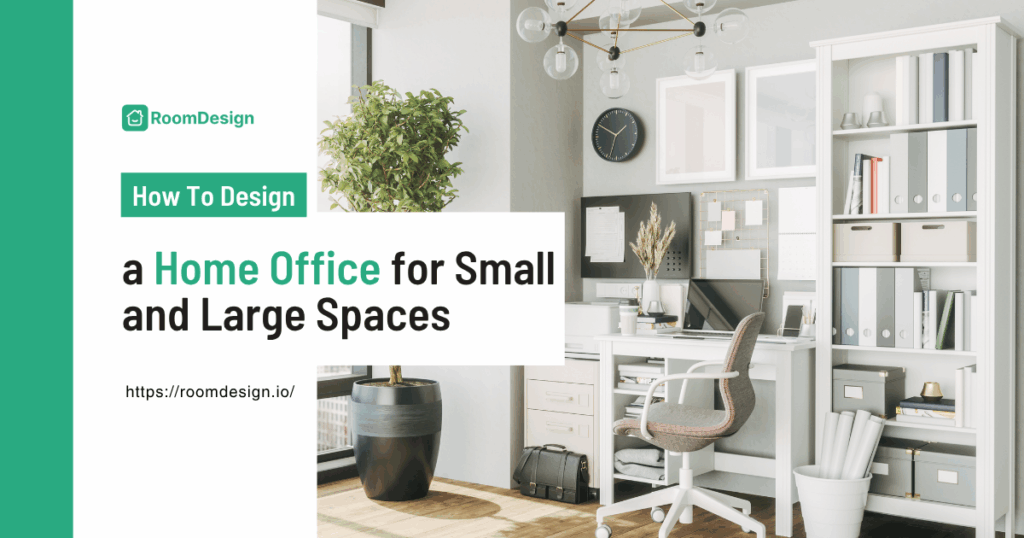
Trying to figure out how to design a home office can feel tricky. Maybe you have a tiny corner in your living room, or a spare room that never gets used. You might think: just put a desk and a chair, right? But soon you realize that clutter piles up, cables tangle, and somehow the space feels uncomfortable.
Whether your space is small or large, learning how to design a home office is about more than picking furniture. It’s about making the room functional, cozy, and motivating. Imagine sitting at your desk in the morning, sunlight streaming in, everything within reach, and the space actually inspiring you to work. That’s what we’re aiming for.
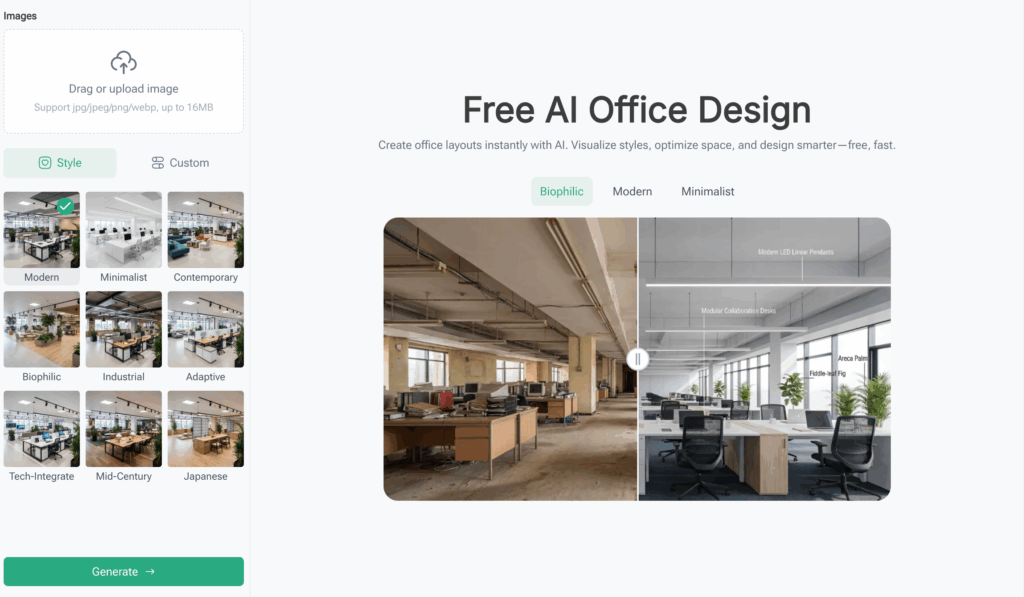
And if you want to experiment with layouts and styles without moving a single piece of furniture, tools like RoomDesign can help you visualize your dream office in minutes. You can try different furniture arrangements, color schemes, and layouts before making any permanent changes. That’s the beauty of combining practical tips with a smart AI-assisted design tool—it makes learning how to design a home office easier, faster, and even fun.
Why Most Home Offices Fail (and How Yours Can Win)
Before diving into steps and layout tips, it’s helpful to understand why so many home offices fall short. Knowing the common pitfalls can save time, money, and frustration.
- Poor Space Planning
Many home offices start with a “just stick it somewhere” approach. Desks end up in inconvenient spots, chairs block walkways, and you bump into things all day. Example: trying to work in a 2x2 meter nook with your printer on the floor—annoying, right? The fix: measure your space, sketch a layout, and think about movement. Even a small room can feel roomy with thoughtful planning. Learning how to design a home office starts here.
- Clutter Overload
Without storage, everything piles up—papers, gadgets, chargers… chaos. Think of someone running a street stall: if their stall is messy, customers walk away. Same with your office. Use shelves, drawers, or multifunctional furniture to keep everything neat.
- Bad Lighting
Lighting affects mood and focus. A dark corner makes you sleepy; harsh light gives headaches. Example: a studio apartment with one dim lamp versus one with a desk lamp plus soft ceiling light. Which one would you prefer to work in? Proper lighting is key to how to design a home office that’s comfortable.
- Ignoring Style and Personality
A bland room is demotivating. Maybe you love cozy vibes, modern minimalism, or a mix. Adding personal touches—like a colorful rug, a plant, or a favorite wall poster—makes the space inviting.
- No Flexibility
Work habits change. If your desk setup is rigid, it quickly becomes frustrating. Example: a small kitchen table turned office for a month; then you realize you need more space for documents. Flexible setups—adjustable desks, modular furniture—save headaches.
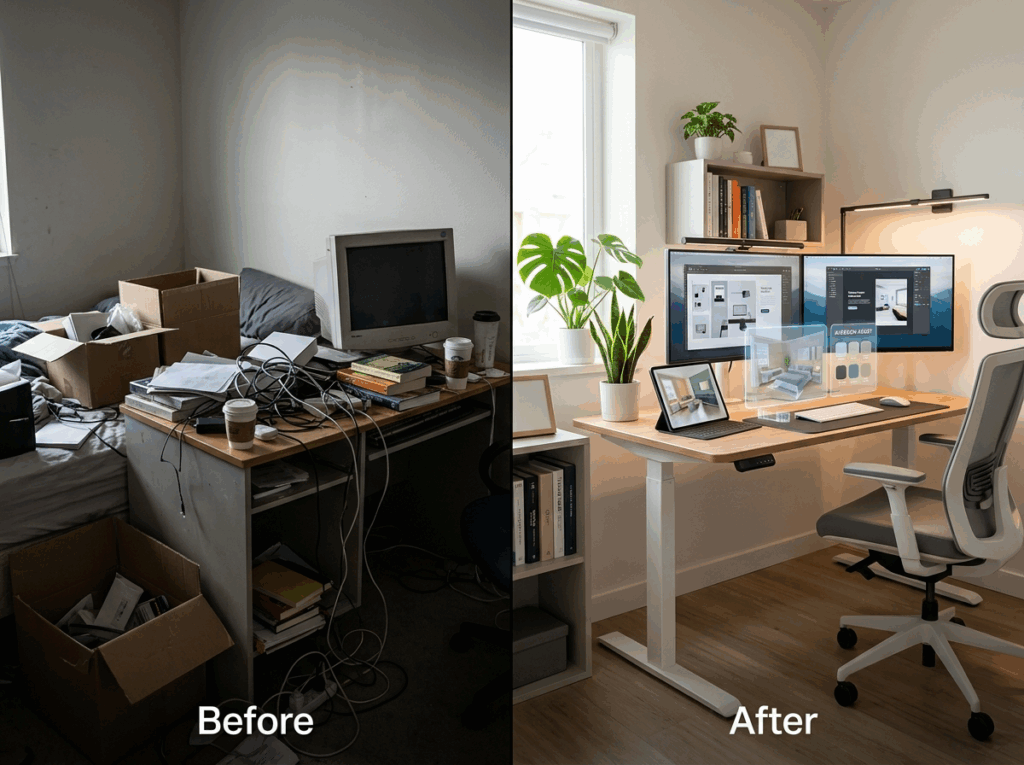
By understanding these common mistakes, you’re already ahead in learning how to design a home office that’s both functional and enjoyable. In the next part, we’ll dive into a step-by-step guide—from messy room to dream office—covering layout, furniture, lighting, and even AI-assisted design ideas to help you preview your ideal workspace.
Step-by-Step Guide: From Messy Room to Dream Office
If you’re trying to figure out how to design a home office, the easiest way is to stop overthinking and follow a simple process. You don’t need to be a designer—you just need a clear order: plan your space, arrange your layout, choose a style, fix the lighting, and then adjust as you go.
Step 1 – Start with Your Space, Not Your Furniture
The biggest mistake people make when learning how to design a home office is buying furniture first. Instead, start by understanding your space.
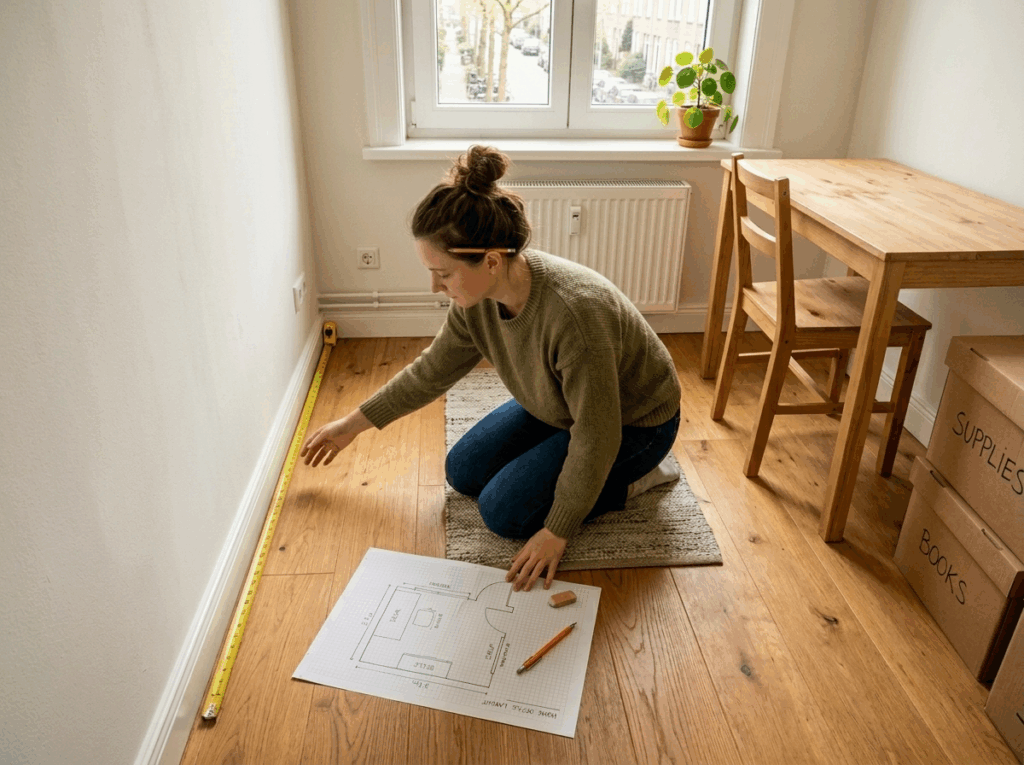
Measure your room, check where the windows are, and notice how you move around. Even a small space can work well if you plan it properly.
👉 Example: Think about setting up a small street stall. If you don’t measure your space, you might block customers or run out of room to work. The same thing happens at home—you end up squeezing into corners or bumping into your chair.
A quick sketch on paper is enough. Mark your desk position, leave space for movement, and already you’re ahead of most people figuring out how to design a home office.
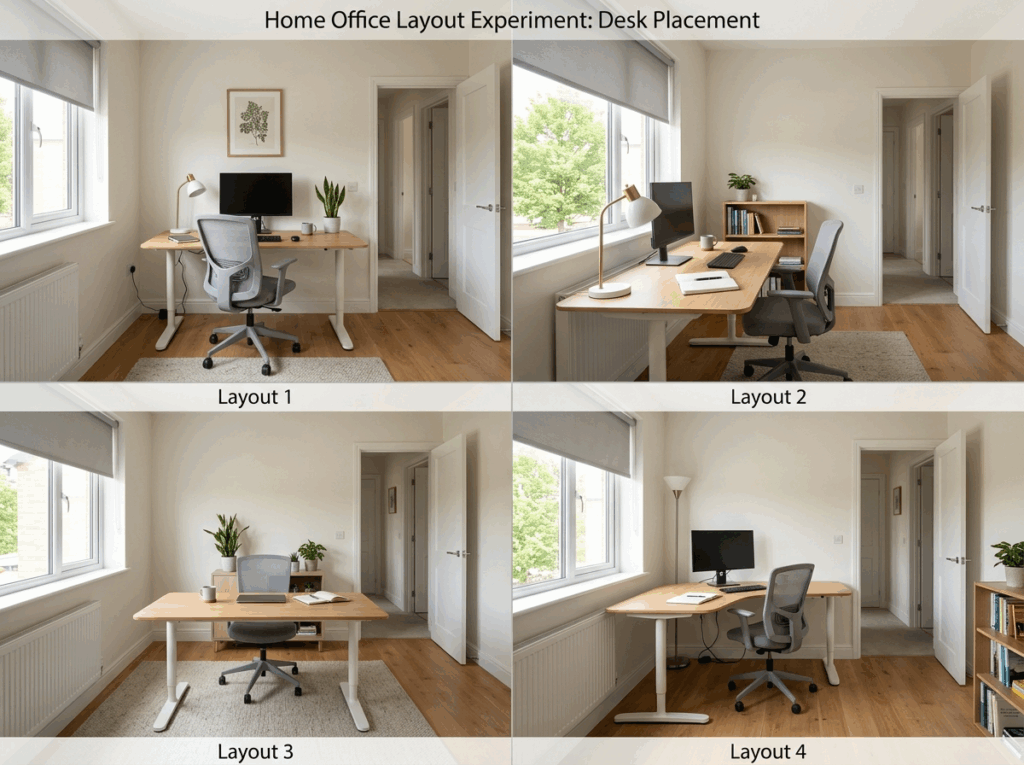
Step 2 – Build a Layout That Feels Easy to Use
Once your space is clear, the next step in how to design a home office is layout. This is where comfort really comes from.
For small spaces, keep things simple: place your desk near a window if possible, use corners, and avoid blocking walking paths. For larger rooms, you can create zones—a main work area and maybe a small reading or relaxing corner.
👉 Example: A lot of people push their desk against a dark wall just because it “fits.” But after a few days, the space feels tiring. Turn the desk toward natural light, and suddenly the same room feels completely different.
If you don’t want to move heavy furniture around again and again, you can preview layouts using tools like RoomDesign. It’s an easy way to test ideas before committing, especially if you’re still learning how to design a home office.
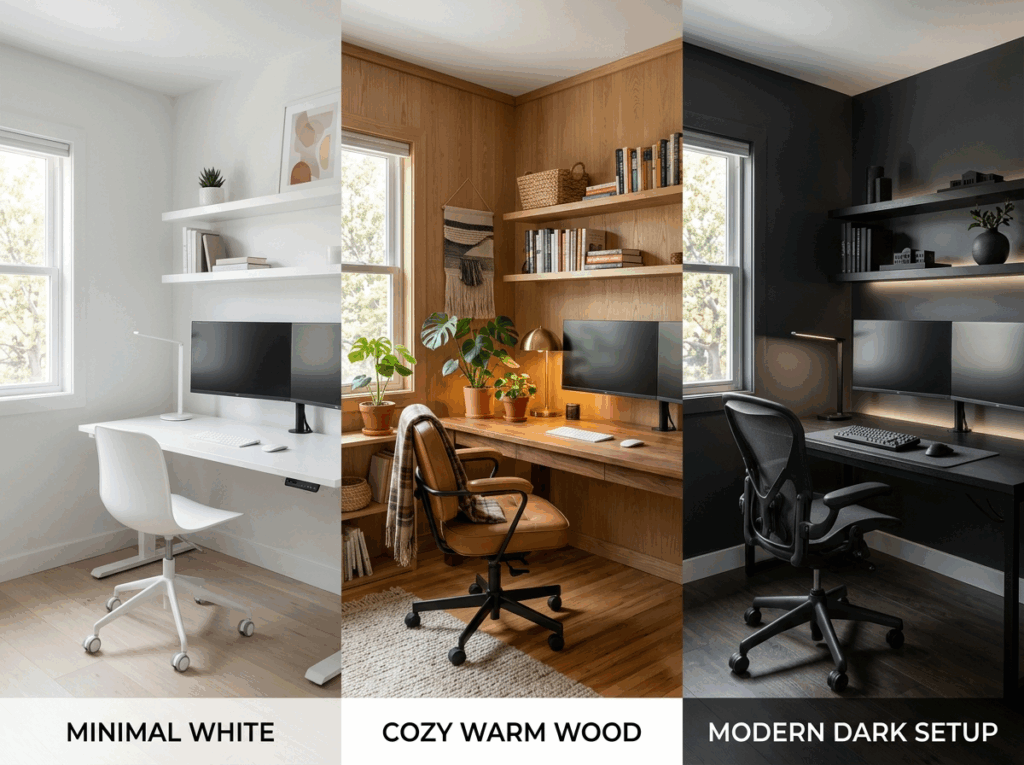
Step 3 – Keep Style Simple and Consistent
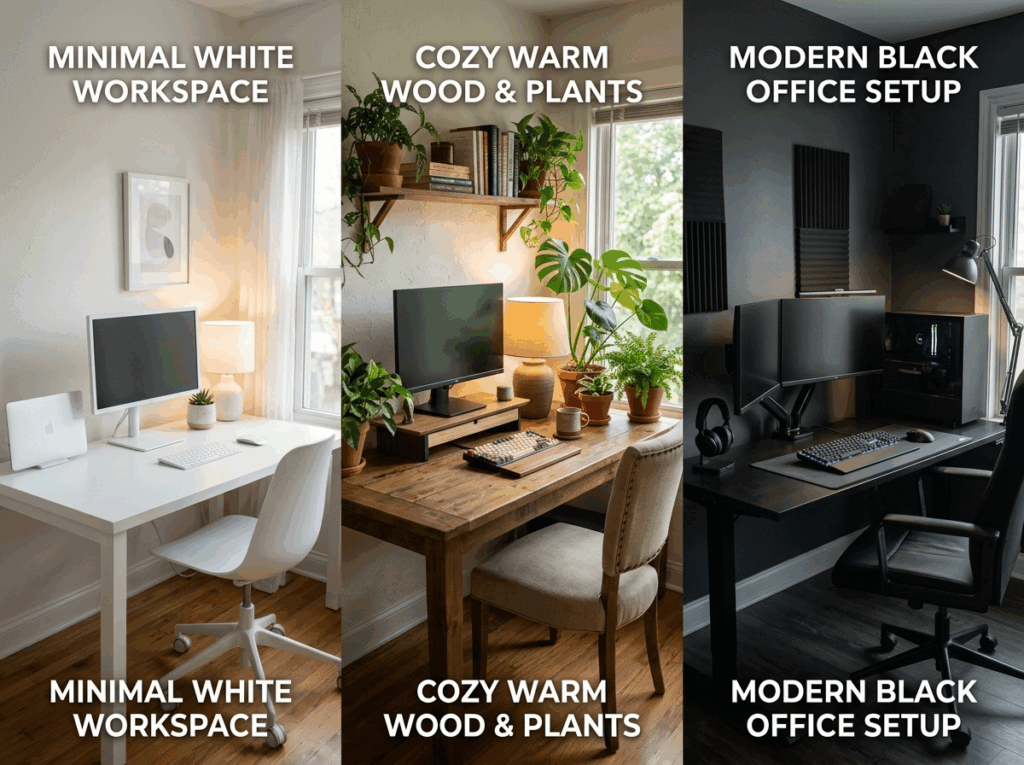
Now comes the fun part of how to design a home office—making it look good. But instead of mixing everything, keep it simple.
Pick one main style: minimal, cozy, or modern. Then stick to a basic color rule—one main color, one support color, and one accent.
👉 Example: If your desk is white, your wall is beige, and your chair is bright red, the space feels random. But if everything stays neutral and you add one green plant, it suddenly feels clean and intentional.
Furniture doesn’t have to be expensive. In small spaces, a wall shelf or foldable desk can save space. In larger rooms, you can add storage or even a comfortable chair to make the space feel complete.
That’s the difference between placing furniture and truly understanding how to design a home office.
Step 4 – Fix Your Lighting and Small Details
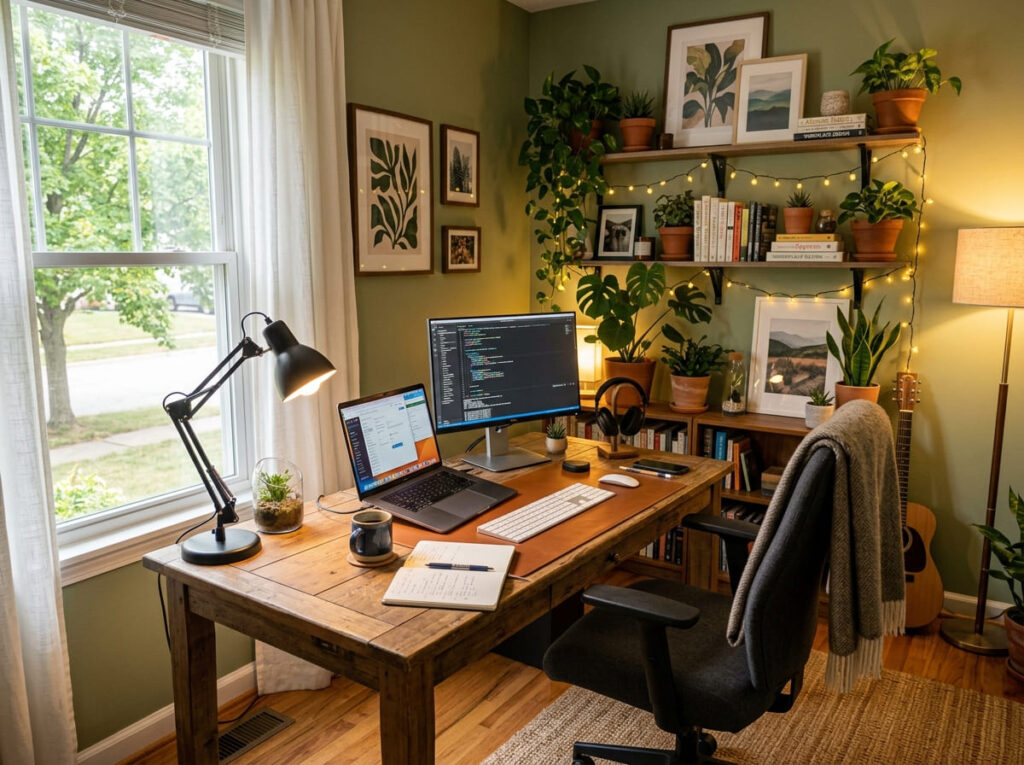
Lighting is often ignored, but it’s a key part of how to design a home office that actually feels good to use.
A good setup usually includes natural light, a desk lamp, and soft ambient lighting. This combination keeps your eyes comfortable and your mood steady.
👉 Example: Working under one harsh ceiling light feels tiring. Add a small desk lamp and a warm light source, and the same space becomes much easier to work in.
Small details also matter—plants, wall art, or simple cable management can make your desk feel clean instead of chaotic.
Step 5 – Adjust Until It Feels Right
The final step in how to design a home office is simple: test and improve.
No setup is perfect the first time. Sit in your space, work for a few hours, and notice what feels off. Maybe your chair is uncomfortable, or your desk is too crowded. Small changes can make a big difference.
👉 Example: Someone might set up a beautiful desk, but after one day their back hurts. That means the design failed, no matter how good it looks.
Good design is not about perfection—it’s about comfort over time. The more you adjust, the better your space becomes. That’s really what how to design a home office is all about.
Pro Tips for Small Spaces (and Big Ones Too!)
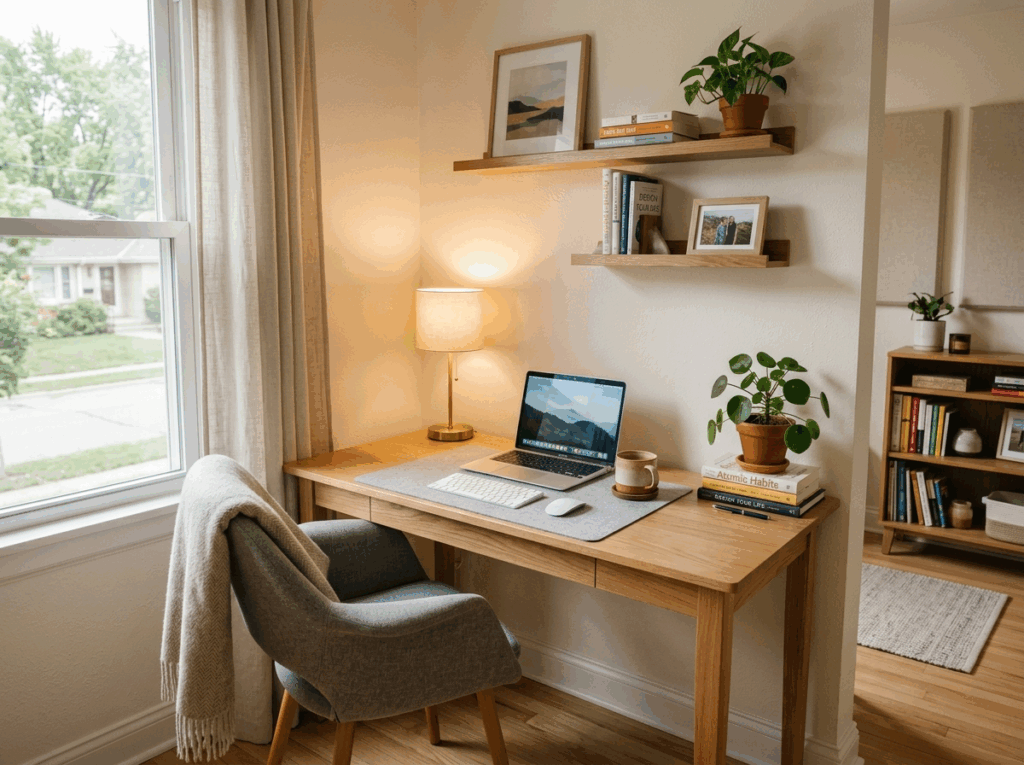
When people search for how to design a home office, most of them are actually dealing with limited space. Not everyone has a full room to work with—sometimes it’s just a corner, a wall, or even part of a bedroom.
The good news? A small space can still become a great workspace if you use it wisely.
Make Small Spaces Work Smarter, Not Bigger
If you’re learning how to design a home office in a small space, don’t try to make it bigger—make it smarter.
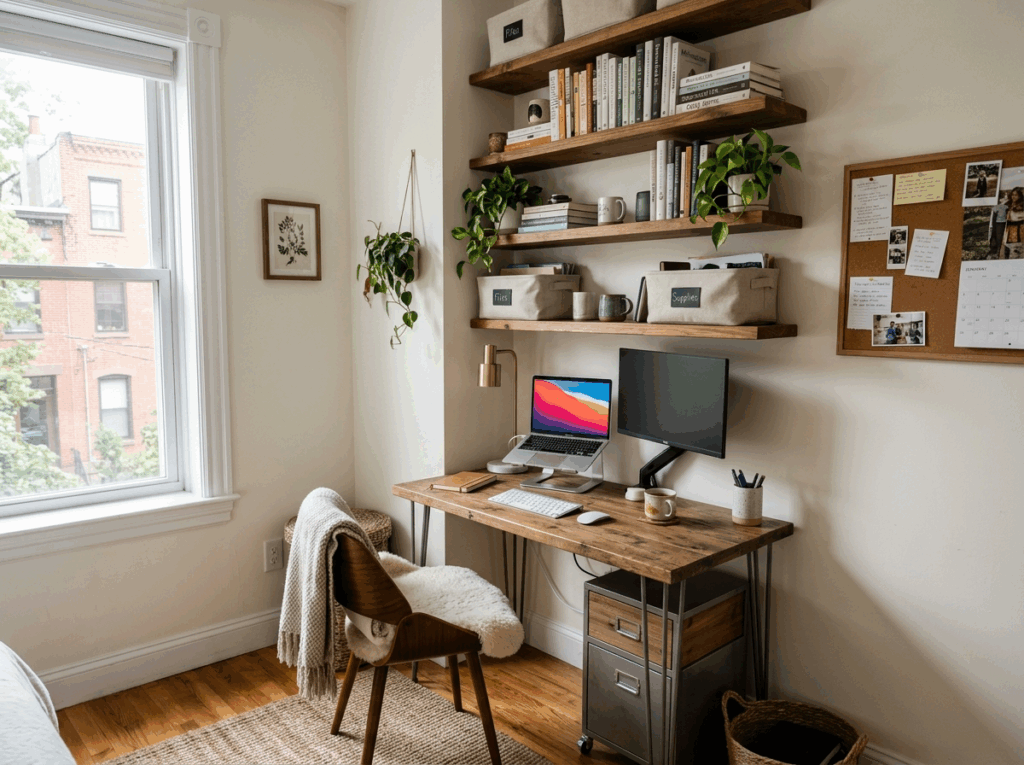
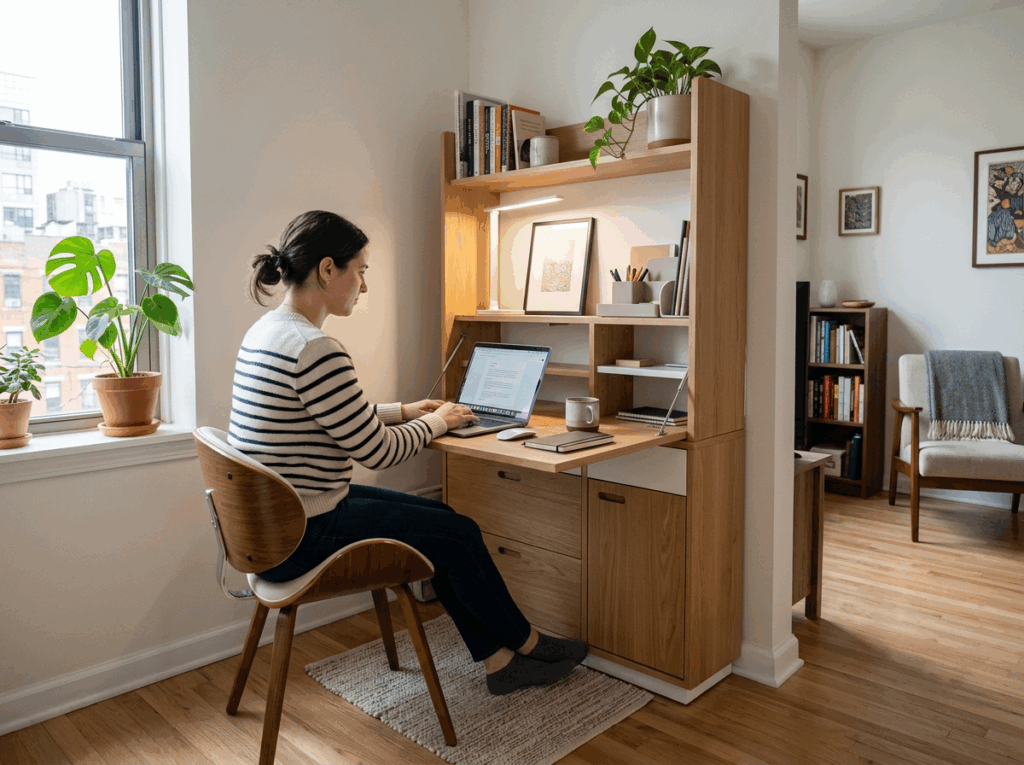
Start by using vertical space. Walls are often wasted, but they can hold shelves, storage, or even foldable desks. This keeps your floor clean and gives you more room to move.
👉 Example: Think about a small convenience stand. The best ones don’t have more space—they just use every inch well. Snacks are stacked vertically, tools are within reach, and nothing is wasted. Your home office should work the same way.
Choose Furniture That Does More Than One Job
One of the smartest tricks in how to design a home office is choosing furniture that can do multiple things.
In small spaces, every item should earn its place. A desk can also be storage. A chair can fold away. A shelf can double as decor.
👉 Example: A foldable desk that disappears after work instantly turns your office back into a living space. That’s perfect for apartments where space is limited.
For larger spaces, this idea still works—you just get more flexibility. A bigger room can include storage cabinets or even a second work zone without feeling crowded.
Keep It Visually Clean (This Matters More Than Size)
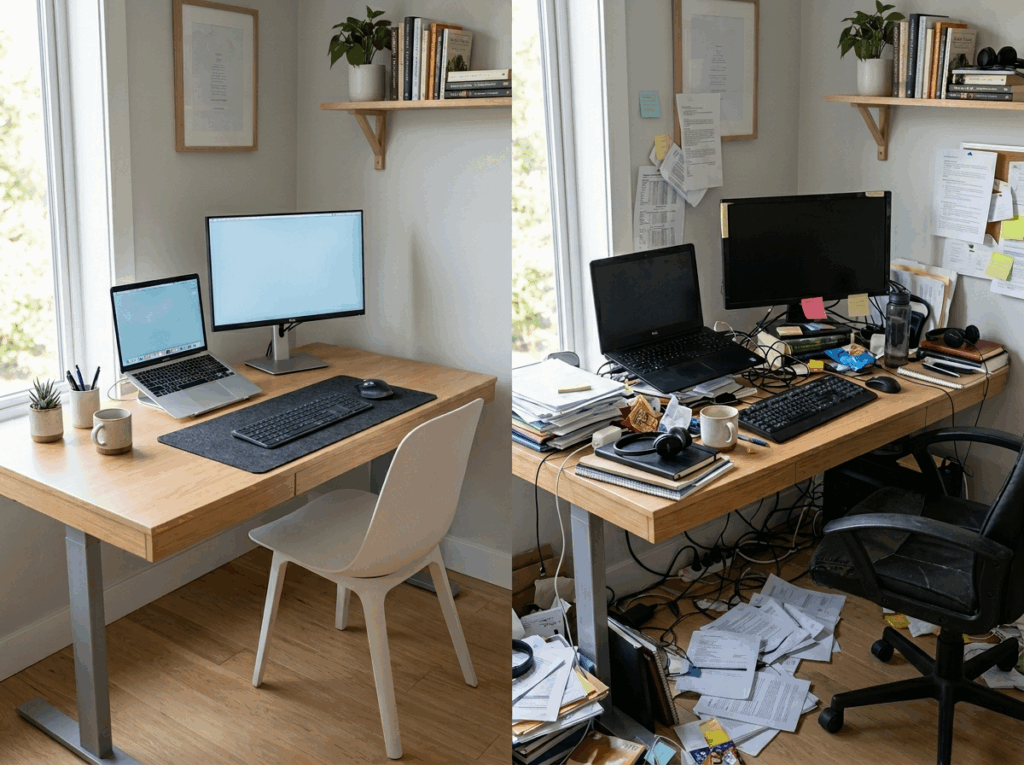
A big mistake when learning how to design a home office is thinking space is the problem. Most of the time, it’s actually visual clutter.
Too many colors, cables, or random objects make even a large room feel messy. On the other hand, a clean and simple setup can make a tiny corner feel calm and focused.
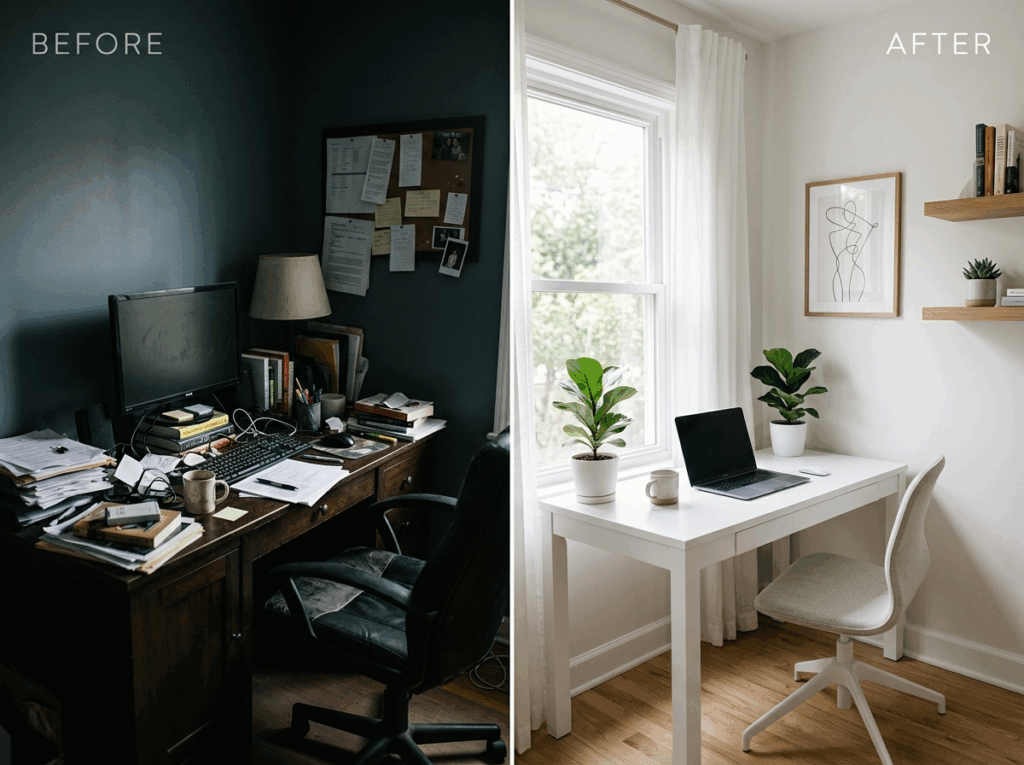
👉 Example: Compare a messy desk full of cables and papers with a clean desk that has only a laptop, a lamp, and one plant. Same size—but completely different feeling.
👉 Easy rule: If you don’t use it every day, don’t keep it on the desk.
Use Light and Color to “Expand” Your Space
Another underrated trick in how to design a home office is using light and color to change how the space feels.
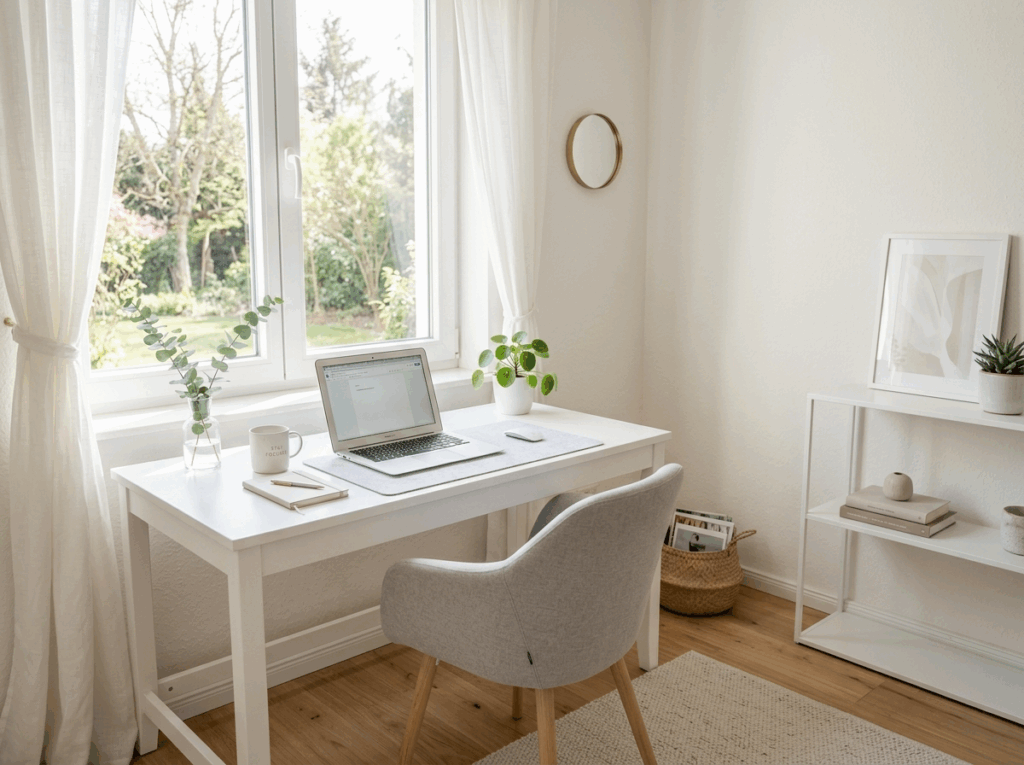
Light colors (white, beige, light wood) make a room feel bigger. Mirrors and natural light also help open up the space visually.
👉 Example: A dark desk in a dim corner feels tight and heavy. Switch to a light-colored desk near a window, and suddenly the same area feels twice as big.
For larger rooms, you can do the opposite—use darker tones to create a cozy, focused work zone inside a big space.
Create a “Zone” Even If You Don’t Have a Room
One of the most practical lessons in how to design a home office is this: you don’t need a separate room—you just need a clear zone.
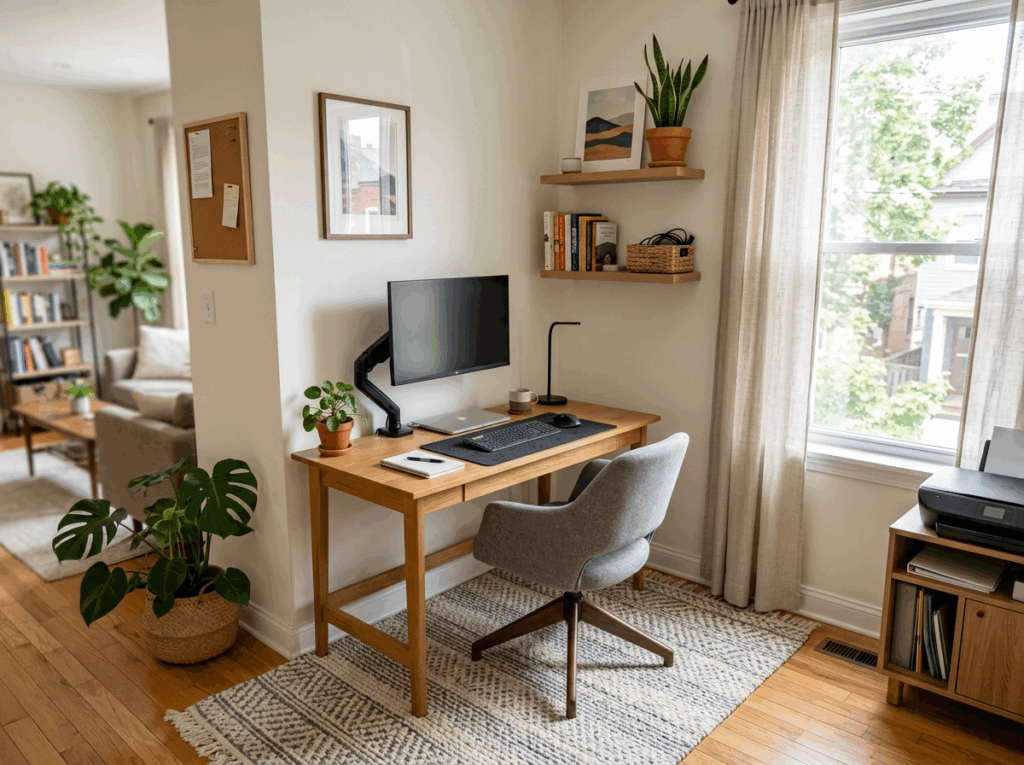
Even in a bedroom or living room, you can define your workspace using:
- A rug
- A different wall color
- A shelf divider
👉 Example: A small desk placed against a wall with a lamp and a plant already feels like a “work zone,” even if it’s just 1 square meter.
For larger spaces, zoning becomes even more powerful—you can create multiple areas without making the room feel empty.
Test Ideas Before You Commit
Finally, one of the smartest ways to approach how to design a home office is to test before you commit.
Moving furniture, buying new items, or repainting takes time and money. Instead, try visualizing different setups first. Even simple changes—like moving your desk or switching layout—can completely change how the space works.
👉 Example: Instead of buying a new desk immediately, try rearranging your current setup or previewing layouts digitally. You might find a better solution without spending anything.
Advanced Ideas – Make Your Office Pop with AI
By now, you already understand the basics of how to design a home office—planning your space, choosing a layout, and keeping things clean and functional.
But there’s one problem most people still face: 👉 it’s hard to imagine how everything will look together.
You might wonder:
- Will this layout feel too crowded?
- Does this style actually fit my space?
This is where using visual tools can make a big difference. Instead of guessing, you can preview your ideas first. Platforms like RoomDesign allow you to quickly test different layouts and styles, which makes learning how to design a home office much easier and less risky.
Try Before You Move Anything
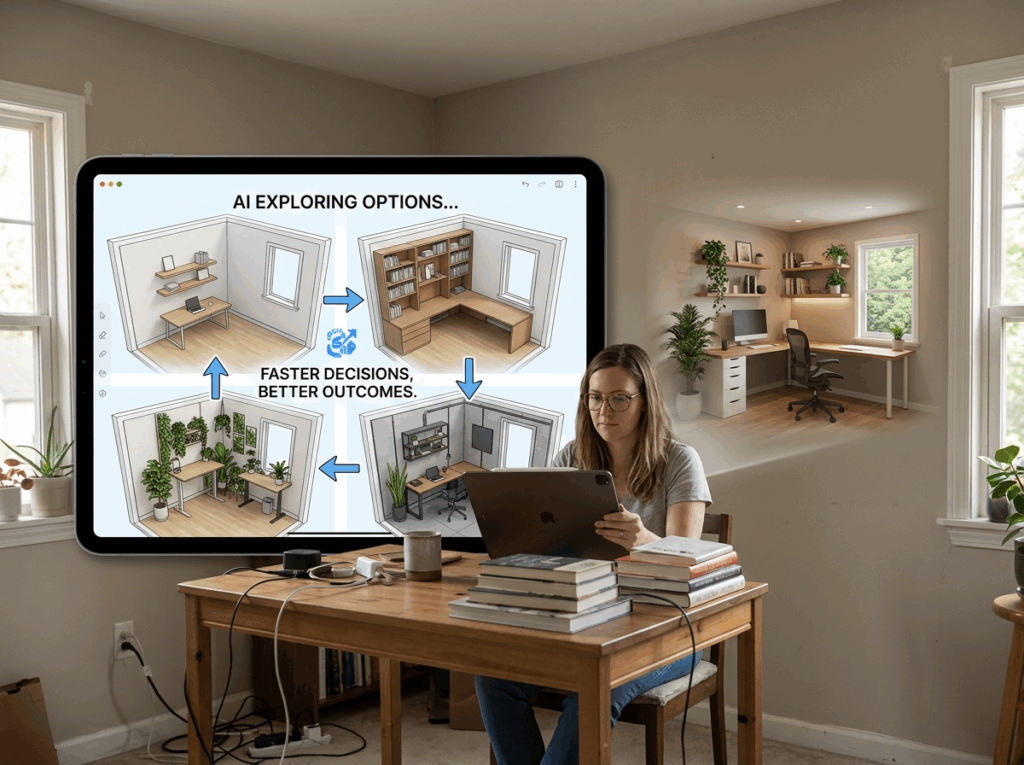
One of the smartest ways to approach how to design a home office is to test ideas before making real changes.
👉 Example: Instead of moving your desk three times, you can try three layouts in minutes and see which one feels right.
This saves time, effort, and even money—especially in small spaces where every decision matters.
Simple Prompts to Get Instant Ideas
You don’t need complicated instructions. When exploring how to design a home office, simple prompts can already give you useful inspiration.
🎯 Small Space Setup
small home office in a tiny apartment, space saving desk, wall shelves, minimal clutter, natural light, modern cozy style, realistic
🎯 Minimal Clean Workspace
minimal home office setup, white desk, simple chair, clean layout, soft lighting, no clutter, modern style, realistic
🎯 Cozy Warm Office
cozy home office with wooden desk, warm lighting, plants, soft textures, comfortable workspace, realistic
Use AI as a Shortcut, Not a Replacement
The goal of how to design a home office is not to rely fully on tools, but to make better decisions faster.
👉 Use your real space as the base 👉 Use AI to explore options 👉 Combine both to find what works best
Designing a workspace doesn’t have to be complicated. By now, you understand the essentials of how to design a home office—measuring your space, planning a layout, choosing furniture, and adding personal touches.
The key is this: focus on what works for your space, whether it’s a tiny corner or a full room. Even small improvements—like adjusting lighting, adding shelves, or testing different layouts—can transform your office into a functional and inspiring place.
Remember, there’s no single “perfect” setup. The best home office is one that suits your habits, feels comfortable, and motivates you to work. By taking a step-by-step approach and experimenting, you’ll quickly learn how to design a home office that fits your lifestyle.
For a faster and easier way to visualize different layouts and styles, tools like RoomDesign can help you see multiple options before making any changes. It’s a smart shortcut to refine your design without moving furniture endlessly.
Ultimately, how to design a home office is about creating a space that works for you—start small, test your ideas, and adjust as you go. Your ideal workspace is within reach.
Wrap Up: Turn Your Office Dreams Into Reality
By now, you’ve seen the full process of how to design a home office—from measuring your space and planning layouts to selecting furniture, colors, and lighting. The most important takeaway is this: a functional workspace doesn’t depend on size, but on thoughtful planning and practical choices.
Even small adjustments—moving your desk closer to natural light, adding shelves, or organizing cables—can make a huge difference. Start with what you have, test your ideas, and gradually improve your space.
Remember, there’s no single “perfect” setup. Each room and person is different, so learning how to design a home office is about experimenting and finding what works best for your lifestyle.
Conclusion
Designing your ideal home office doesn’t need to be stressful or expensive. By combining the practical steps you’ve learned with a quick way to visualize options—like using RoomDesign—you can preview layouts, test styles, and avoid costly mistakes.
The key to mastering how to design a home office is simple: start small, experiment with layouts and styles, adjust as you go, and make it your own. With patience and creativity, your workspace can become not only functional but also inspiring—a place where you’ll enjoy spending time every day.