Convert Image to DXF

Square Footage Calculator

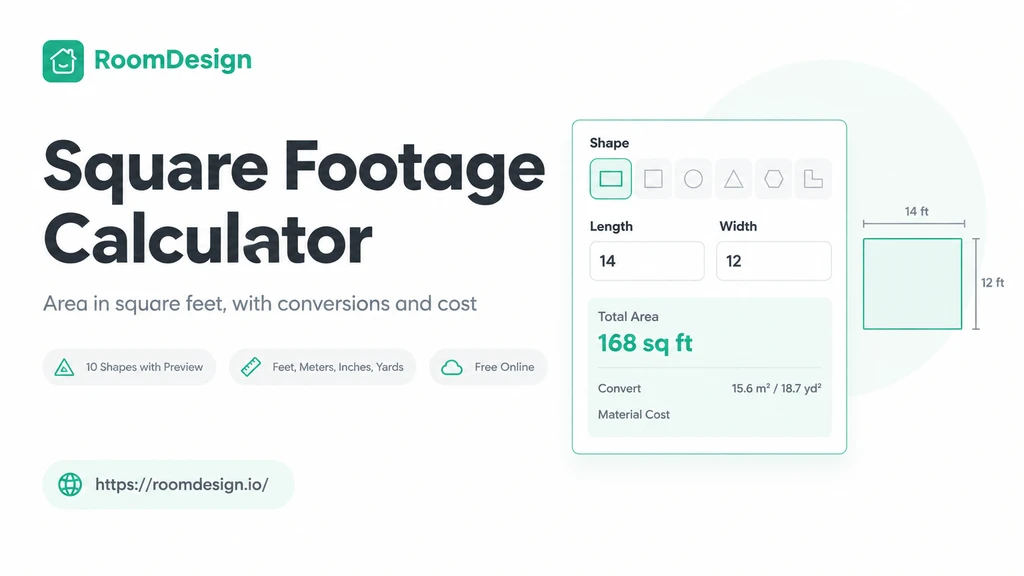
RoomDesign's Square Footage Calculator lets you calculate single or multiple room areas online for free.

Room measurements

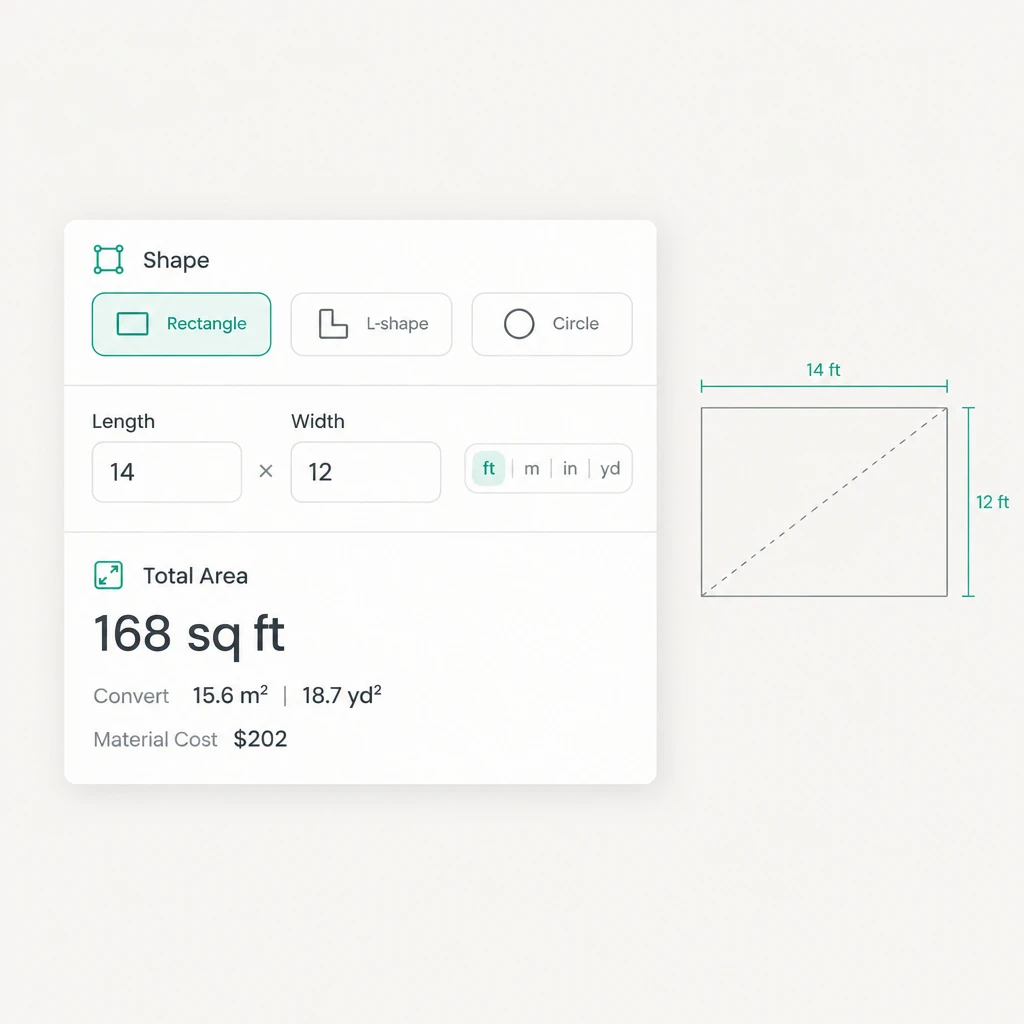
Choose a shape and enter its dimensions.

Estimated material cost

22 × 32

Shape preview

32 ft22 ft704.00 ft²

Total area

704.00 ft²

Rectangle

Square Footage Calculator – Free Online Room Area Tool

Square Footage Calculator

What Is Square Footage Calculator?

What Is Square Footage Calculator?

Why Square Footage Calculator Beats Measuring by Hand

Why Square Footage Calculator Beats Measuring by Hand

Key Features of Square Footage Calculator on RoomDesign

  • Ten Shapes With Preview

  • Add Rooms, See the Total

  • Area and Budget Together

Square Footage Calculator Use Cases

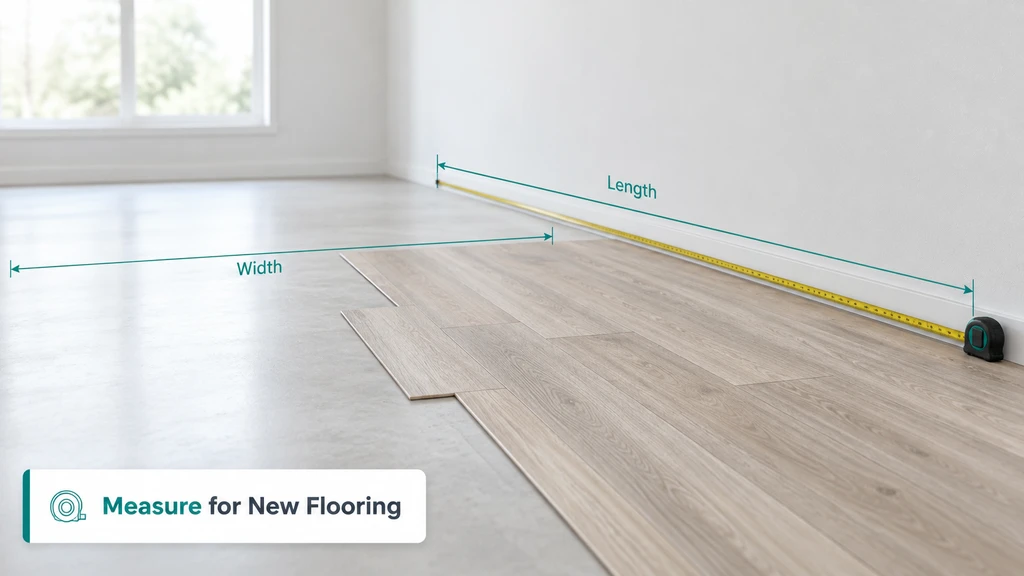
Measure for New Flooring

Measure for New Flooring

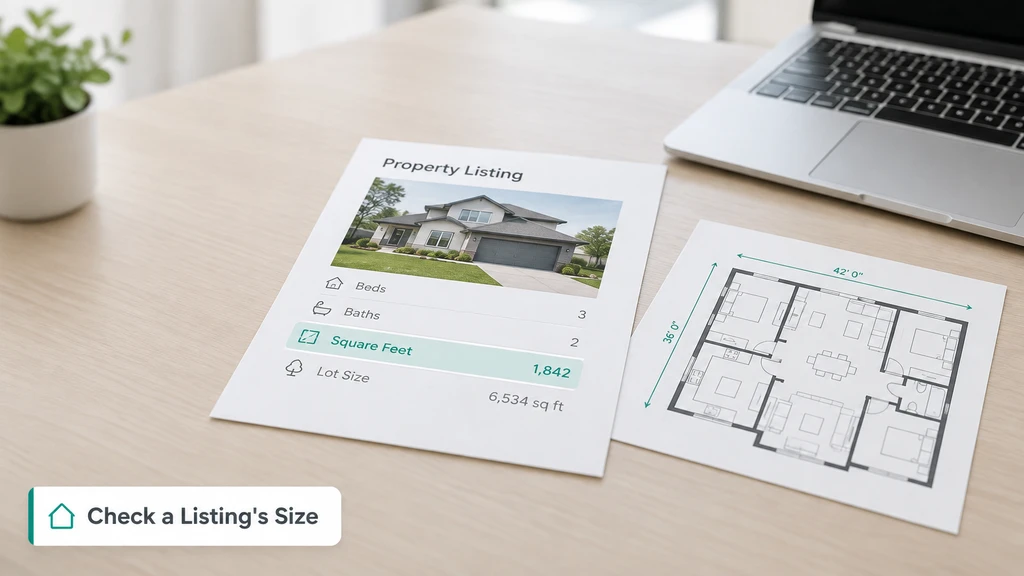
Check a Listing's Size

Check a Listing's Size

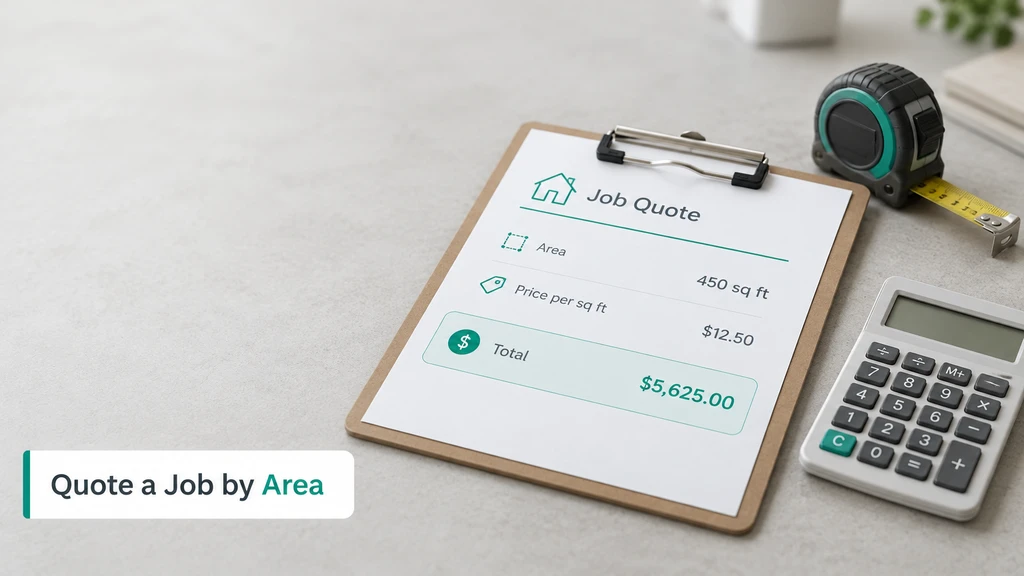
Quote Any Job by Area

Quote Any Job by Area

Use Square Footage Calculator

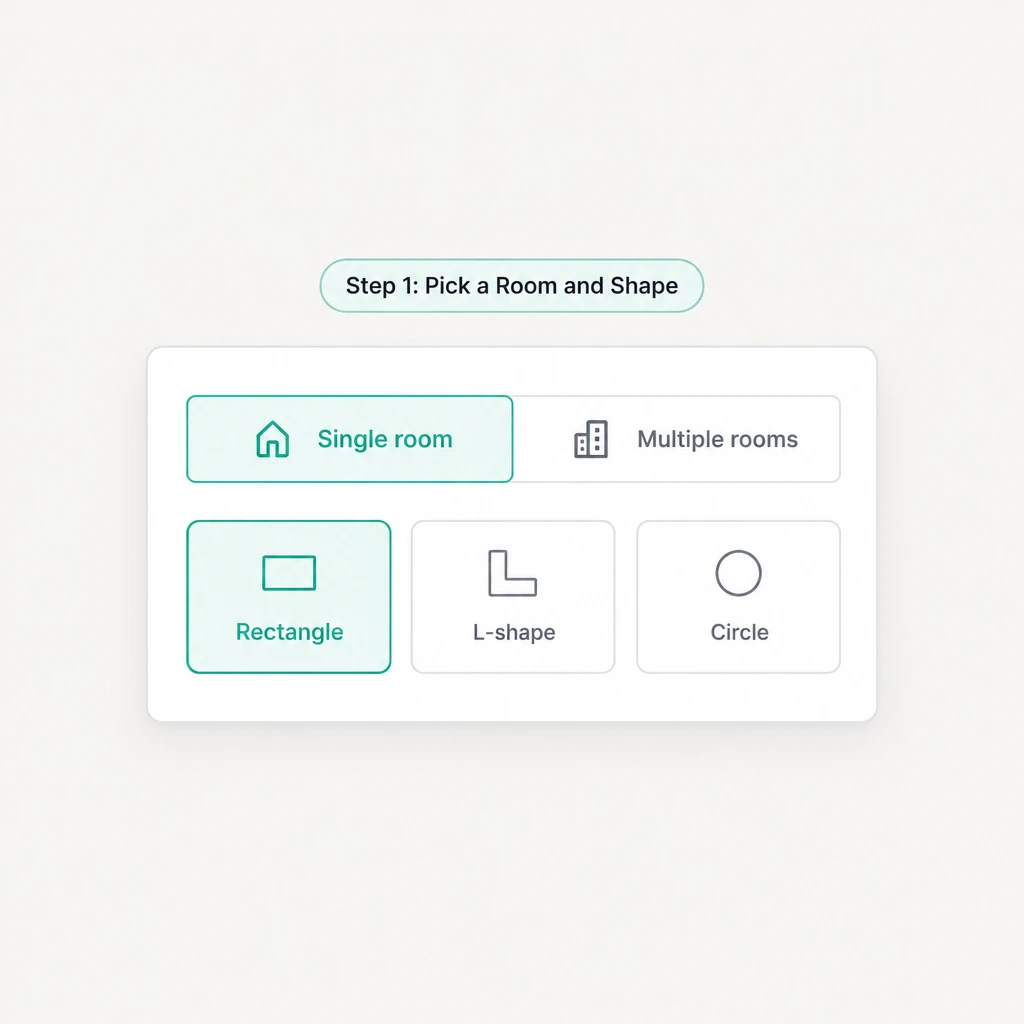
  1. Step 1: Pick a Room and Shape

    Step 1: Pick a Room and Shape

    Open the tool, choose a single room or several rooms, then pick a unit and a shape such as a rectangle or an L-shape before you measure.

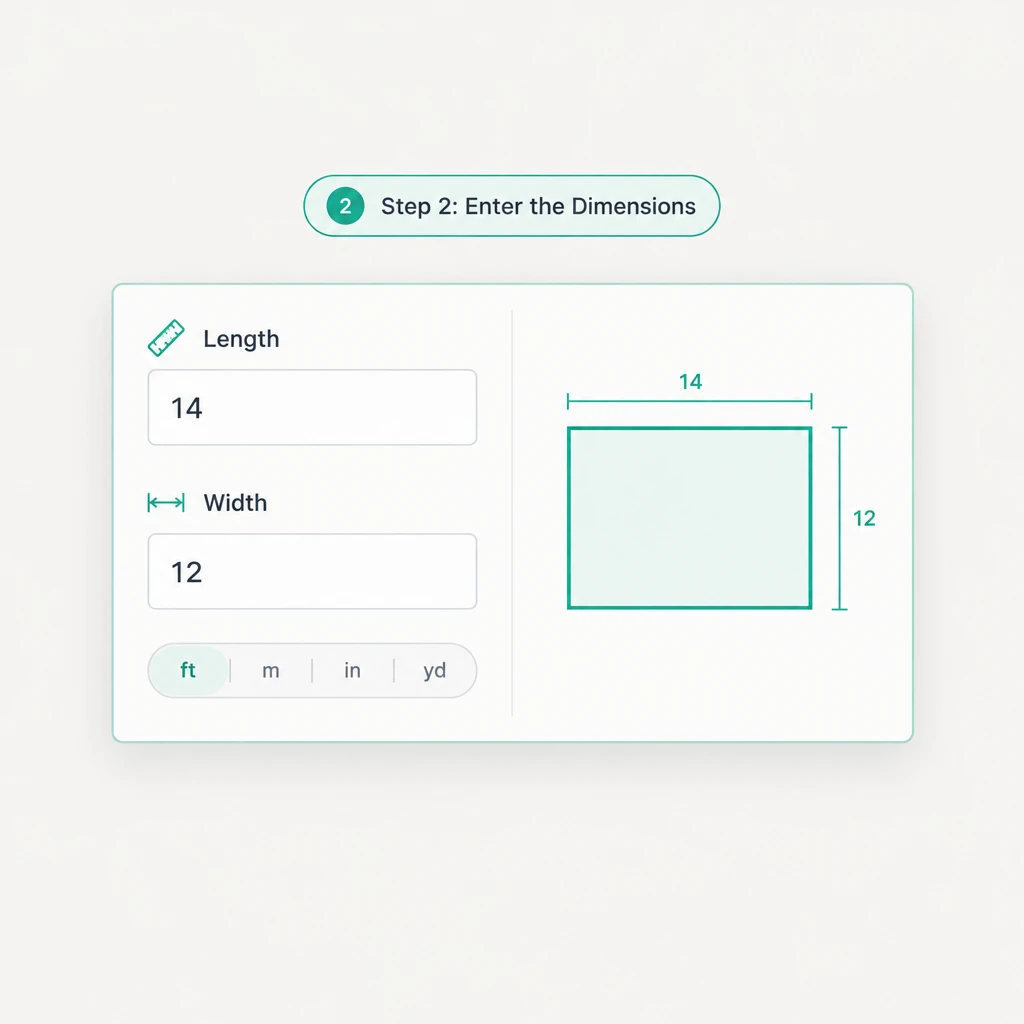
  2. Step 2: Enter the Dimensions

    Step 2: Enter the Dimensions

    Type the measurements the chosen shape asks for, and check the shape preview to confirm the room looks right before you calculate the area.

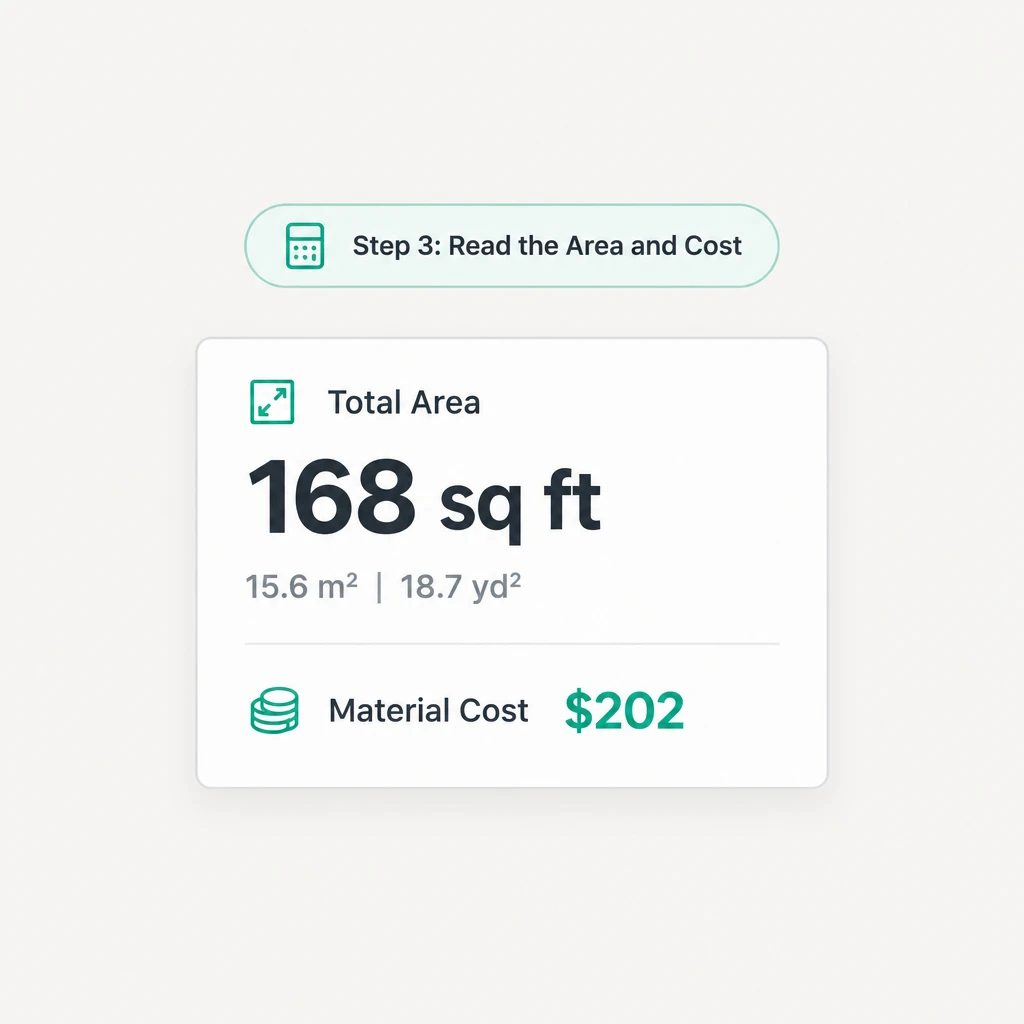
  3. Step 3: Read the Area and Cost

    Step 3: Read the Area and Cost

    Read the total square feet and the unit conversions, add a price and a waste rate for a cost, then copy or share the result with the store.

Ready to Measure a Room With Square Footage Calculator?

Square Footage Calculator on RoomDesign is free and needs no drawing. Pick a shape, enter the dimensions, and read the area with conversions and a material cost.

Calculate My Area Now

What Users Say About Square Footage Calculator

Hannah Whitfield avatar

Hannah Whitfield

Interior Designer

“I plan flooring for clients every week and a wrong area means a costly second order. Square Footage Calculator turns the length and width of each room into a total I can hand to the supplier, and the waste rate keeps the number safe. Square Footage Calculator has made my takeoffs much faster this year.”
Marcus Feldman avatar

Marcus Feldman

Flooring Contractor

“I used to add rooms on paper and redo the math every time a client changed one dimension. Square Footage Calculator lets me enter every room, sum them all, and read a material cost in just seconds, so my quotes go out the same day. Square Footage Calculator is now the first thing I open on every job.”
Priya Raghunathan avatar

Priya Raghunathan

Real Estate Agent

“Buyers always ask how big a place really is, and I need a number I can trust in a listing. Square Footage Calculator converts the square feet into meters or square yards and lets me check a floor plan before I ever publish it. Square Footage Calculator keeps my listings accurate and my clients calm.”
Owen Fitzgerald avatar

Owen Fitzgerald

Property Manager

“I track the floor area of a dozen rental units and used to keep it all in one messy spreadsheet. Square Footage Calculator stores each room as I add it and sums the whole unit, then I copy the total straight into my files. Square Footage Calculator cleaned up a job that used to eat up my afternoons.”
Camille Rousseau avatar

Camille Rousseau

Estimator

“A bid lives or dies on the area, and guessing at corners used to cost me real money. Square Footage Calculator handles L-shaped rooms by letting me add each section separately, then applies the waste rate I choose for the material. Square Footage Calculator gives me a total I can defend to every client.”
Diego Salazar avatar

Diego Salazar

Homeowner

“I measured my living room three times and still got a different number, so I searched for a tool I could trust. Square Footage Calculator took the shape and dimensions once and gave me the square feet, the cost, and a result I could share with the store. Square Footage Calculator saved me from buying too little again.”

Frequently Asked Questions About Square Footage Calculator

Square Footage Calculator works from the length, width, and shape you enter, so the result is as accurate as the measurements you give it. Measure wall to wall, pick the matching shape, and keep every figure in one unit, and the area will hold. Square Footage Calculator also shows a preview so you can catch a wrong dimension early.

Square Footage Calculator reads feet, meters, inches, and yards, then reports the area in square feet with conversions to square meters and square yards. Keep every figure in one unit and the total stays consistent. Square Footage Calculator on RoomDesign shows the area and the conversions together, so you can check the result at a glance.

Yes. Switch to the multi-room mode and add each room one by one, then edit any of them without starting over. Square Footage Calculator sums every room into one total area, so a whole home or a full floor comes out as a single number that you can copy or share with the store, and the total updates as soon as you add or change a room.

It does. Add a price per square foot and a waste rate, and Square Footage Calculator turns the area into an estimated material cost. The figure covers materials only and does not include labor or tax. Square Footage Calculator on RoomDesign keeps the cost line separate from the area, so you can quote one without changing the other.

Square Footage Calculator covers ten shapes, including rectangles, L-shapes, and circles, with a preview for each. For an odd room, pick the closest shape or split it into sections and add them as separate areas. Square Footage Calculator sums those sections into one total so an irregular floor never forces you back to paper.

No. Square Footage Calculator runs in your browser, so there is nothing to install or update. Open the page, enter the shape and dimensions, and read the area with conversions and a material cost, then copy or share the result whenever you need it. You can also add several rooms and switch units, so the whole job stays together.