
Convert Image to DXF

Mortgage Calculator

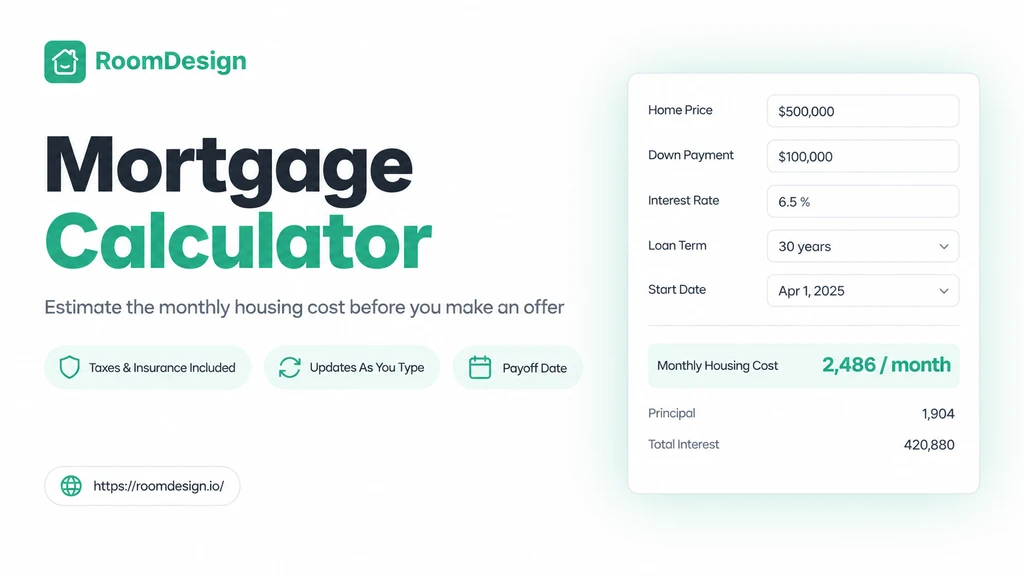
RoomDesign’s Mortgage Calculator estimates monthly payments including taxes and insurance to help you plan ahead.

Your home & loan

$
$
%
years
%

Taxes & insurance

/year
/year
/year
/year
/year

Estimated monthly housing cost

$2,547.62/mo

Principal & interest $2,022.62/mo

Principal & interest 79.4%Property tax 15.7%Home insurance 4.9%

Your home & loan (monthly)

Principal & interest
$2,022.62
Property tax
$400.00
Home insurance
$125.00
PMI insurance
$0.00
HOA fees
$0.00
Extra payment
$0.00
Loan amount
$320,000.00
Total interest
$408,142.36
Total loan payments
$728,142.36
Payoff date
October 2056

Mortgage Calculator – Free Online Home Loan Payment Tool

Mortgage Calculator

What Is Mortgage Calculator?

What Is Mortgage Calculator?

Why Mortgage Calculator Beats Guessing the Monthly Payment

Why Mortgage Calculator Beats Guessing the Monthly Payment

Key Features of Mortgage Calculator

  • Monthly Costs in One View

  • Compare Terms in Real Time

  • Total Interest Up Front

Mortgage Calculator Use Cases

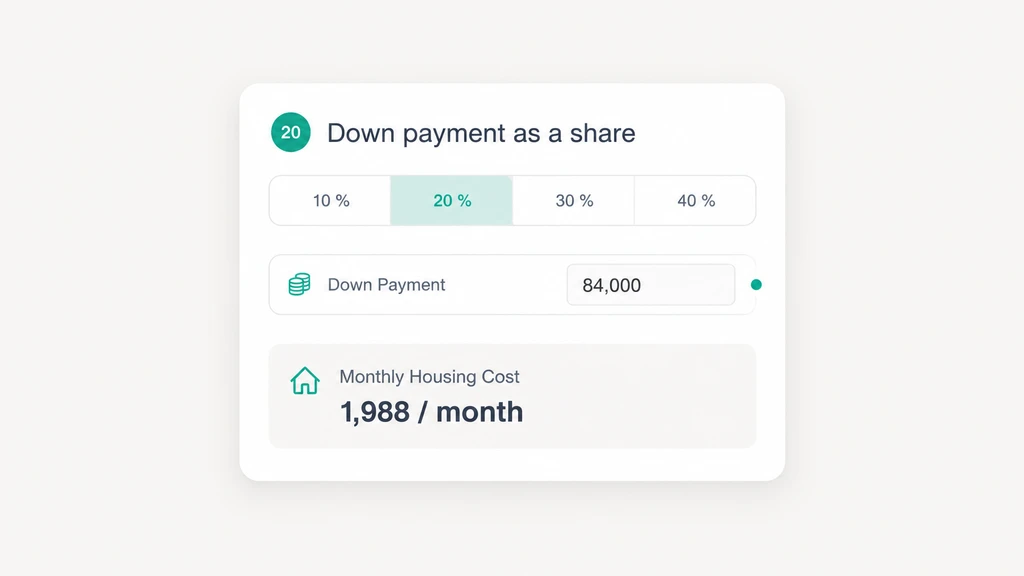
Test a Down Payment Change

Test a Down Payment Change

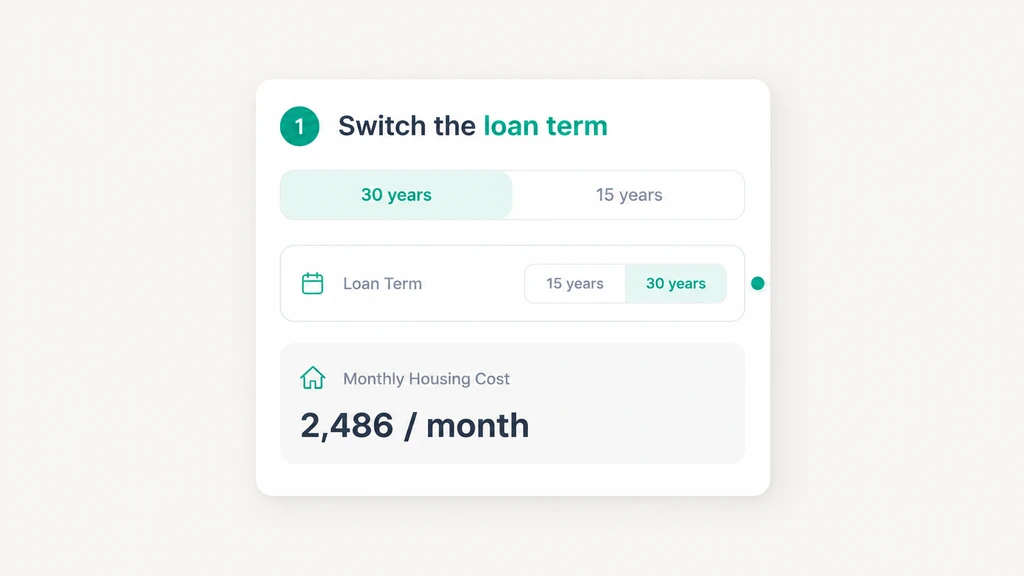
Compare 15 and 30 Year Terms

Compare 15 and 30 Year Terms

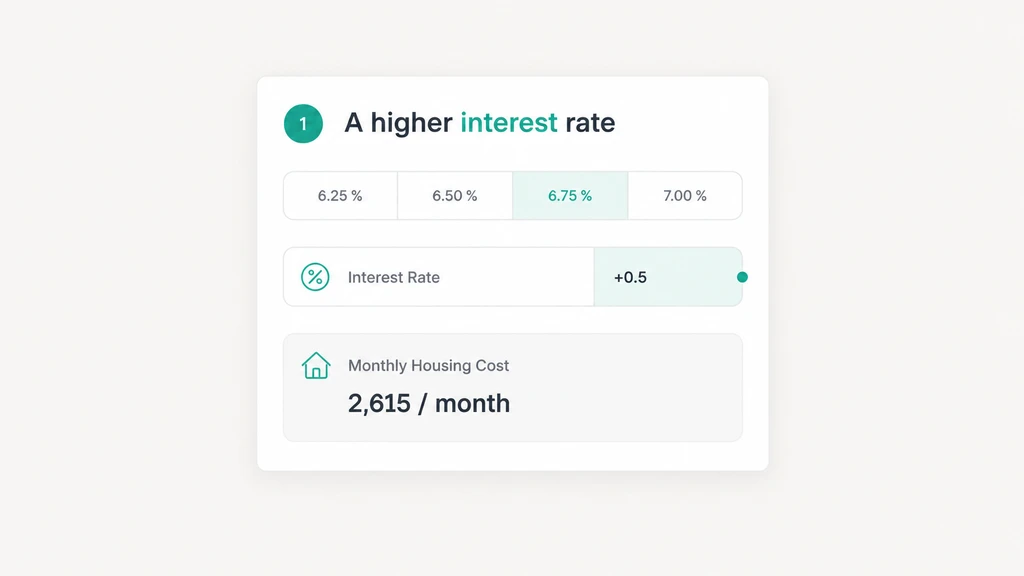
Price a Higher Interest Rate

Price a Higher Interest Rate

Use Mortgage Calculator

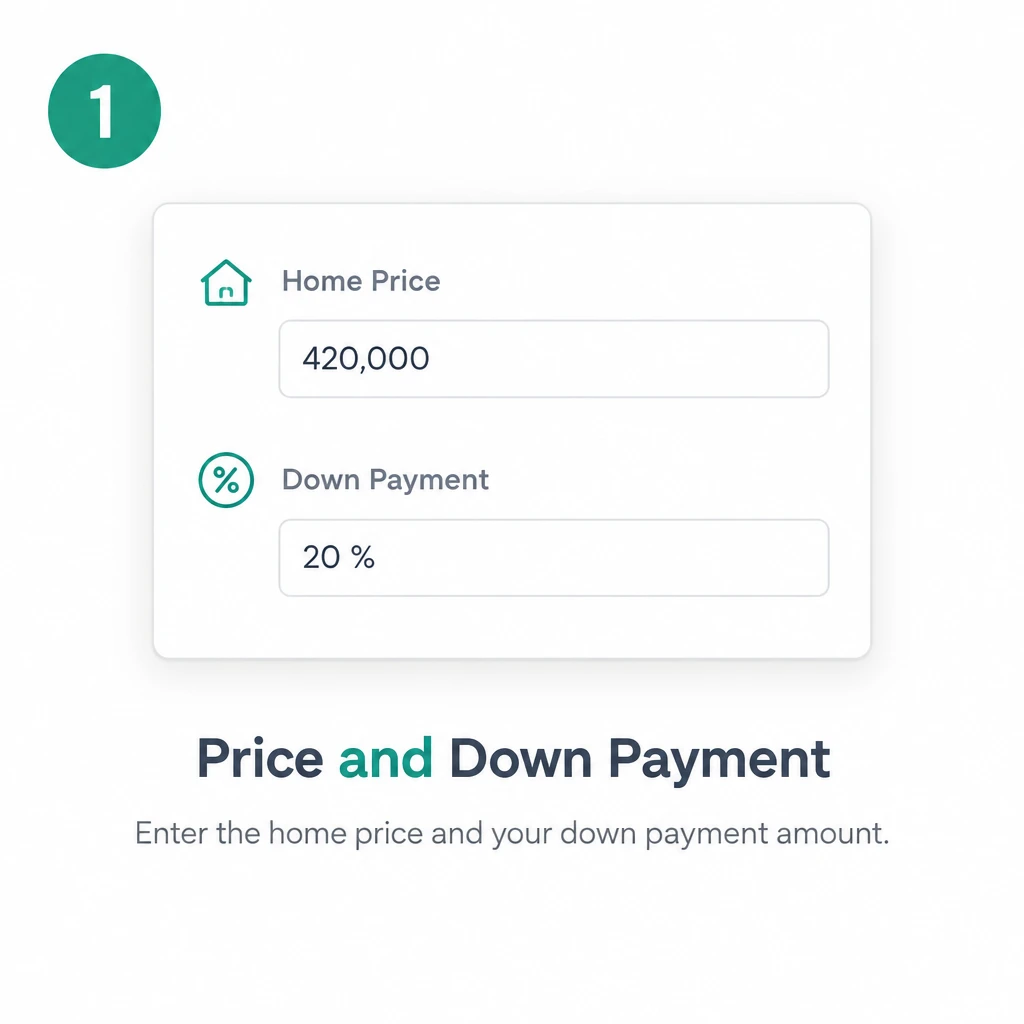
  1. Step 1: Price and Down Payment

    Step 1: Price and Down Payment

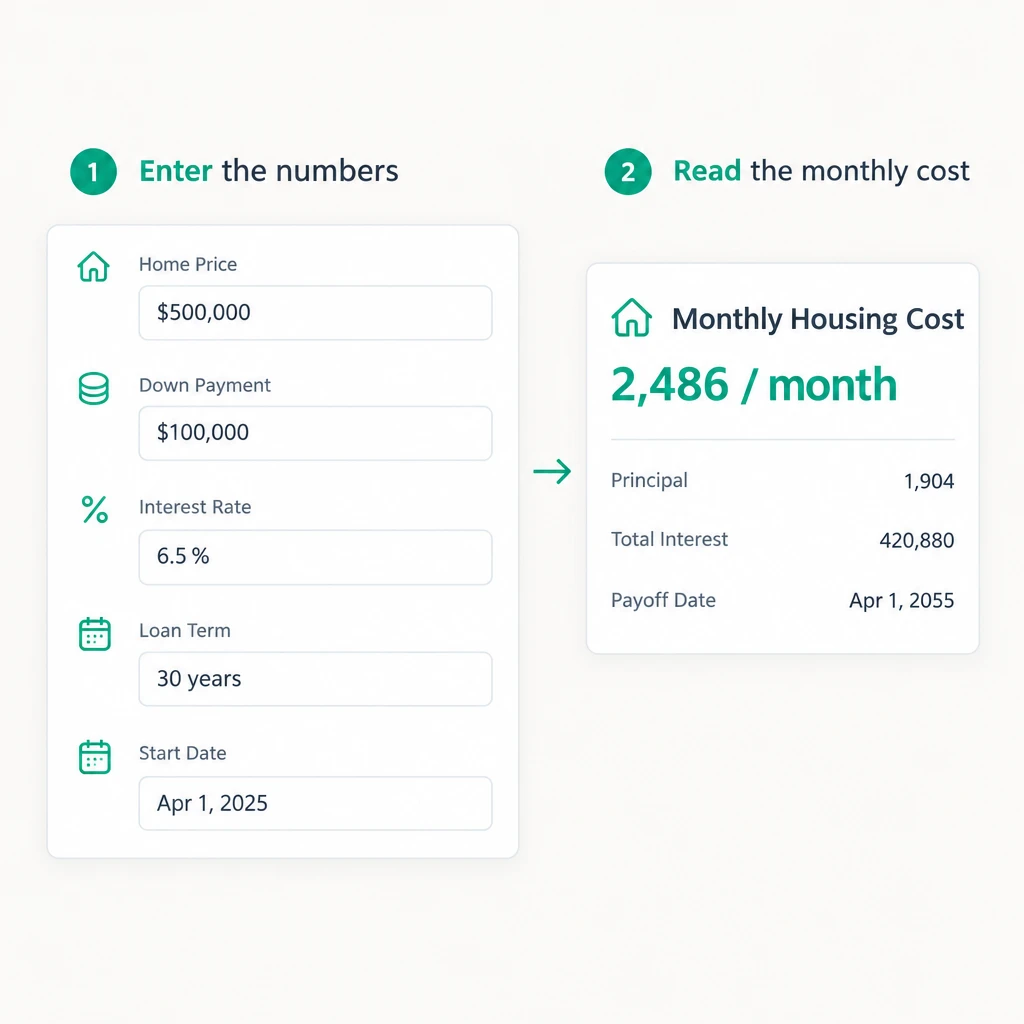
    Type the home price, then the down payment as a sum or a share, and Mortgage Calculator works out the loan amount before anything else.

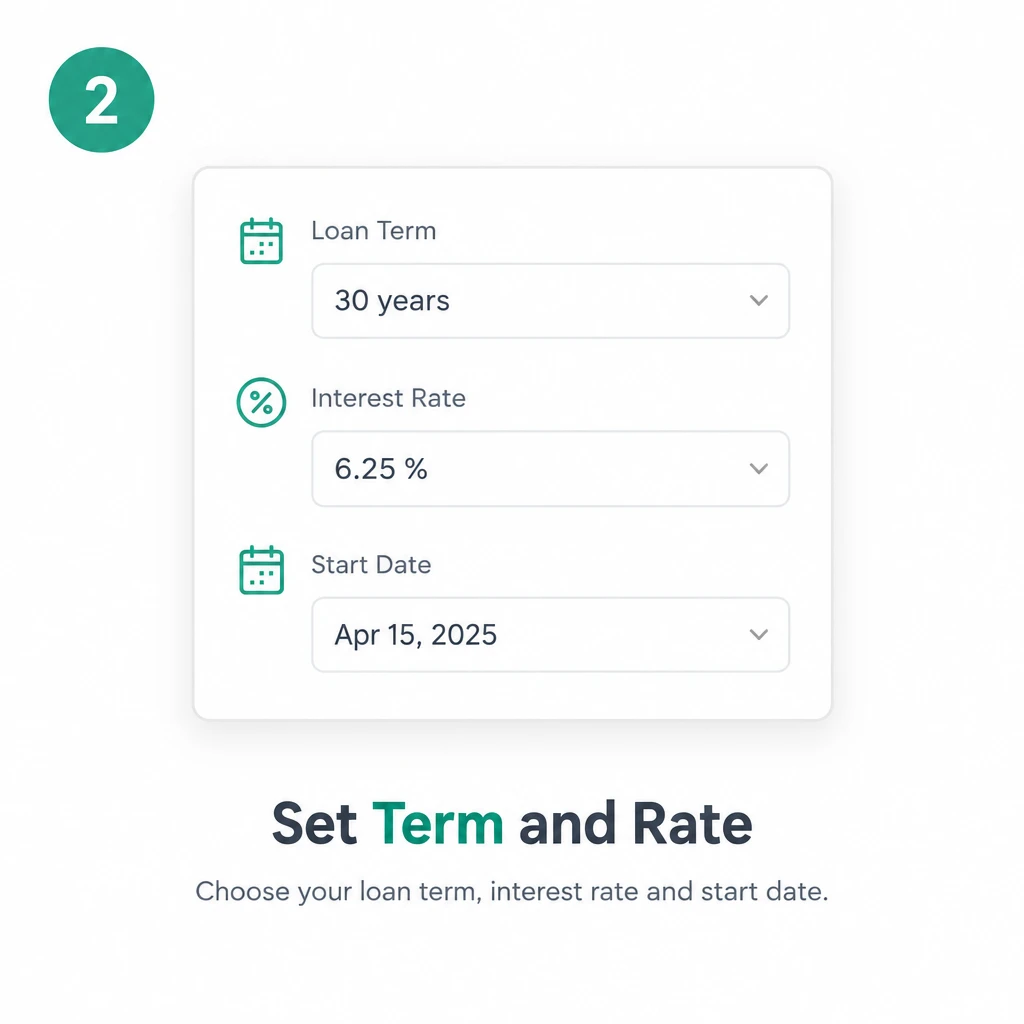
  2. Step 2: Set Term and Rate

    Step 2: Set Term and Rate

    Enter the term in years, the annual rate, and then the date the loan starts, so Mortgage Calculator can count the months to the payoff.

  3. Step 3: Add Costs and Read

    Step 3: Add Costs and Read

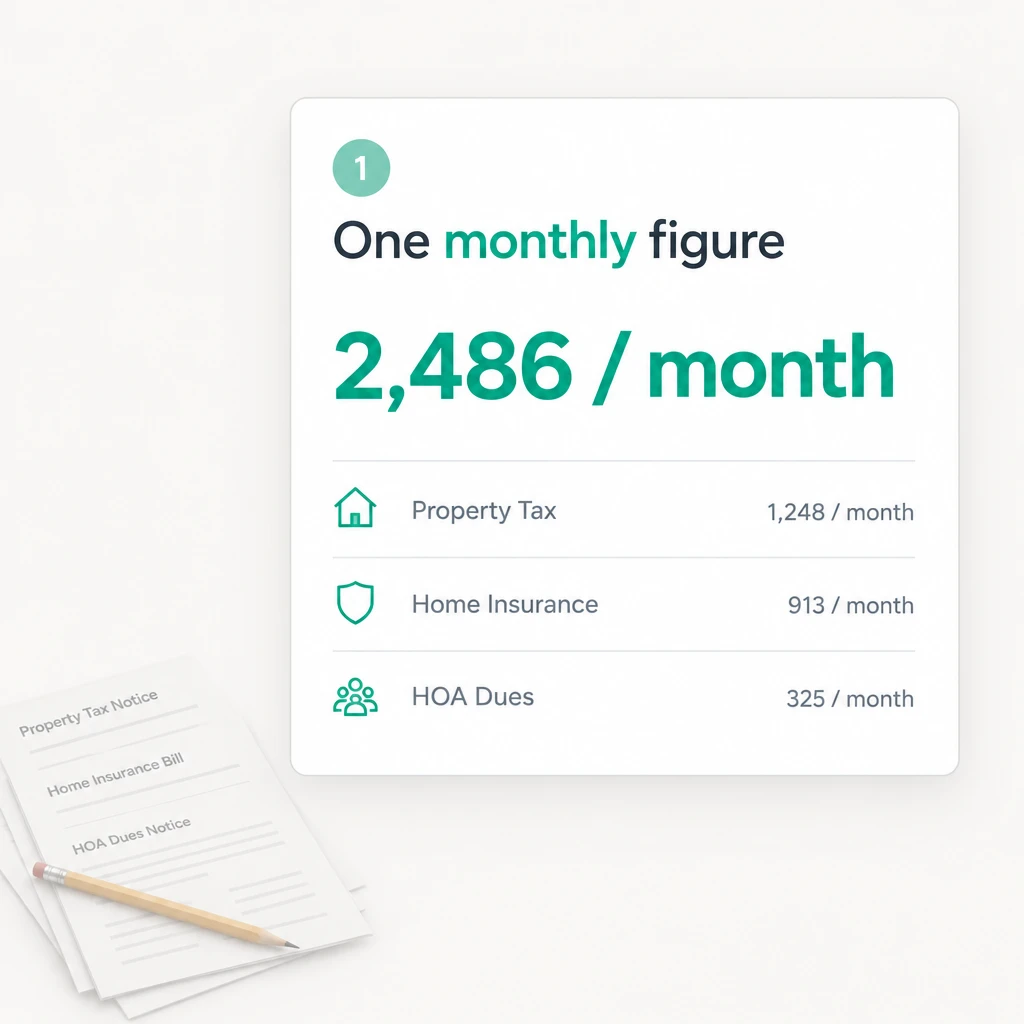
    Add property tax, insurance, PMI, and HOA dues by month or year, put in any extra payment, then read the monthly total and the payoff date.

Ready to Run Mortgage Calculator Before You Make an Offer?

Enter the price, down payment, term, rate, and running costs once. Mortgage Calculator on RoomDesign returns the monthly figure, the cost lines, total interest, and the payoff date together.

Estimate My Payment

What Users Say About Mortgage Calculator

Sofia Delgado avatar

Sofia Delgado

Homebuyer

“I had a down payment saved and a rate from my lender, but no idea what the month would look like once taxes and insurance landed on top. Mortgage Calculator put the whole figure in one panel with each cost on its own line. I ran three price points before we toured anything, and Mortgage Calculator made that talk short.”
Marcus Bellamy avatar

Marcus Bellamy

First-Time Buyer

“Every listing came with a different tax figure and a different HOA, and my own arithmetic kept drifting. Mortgage Calculator took those as yearly amounts and returned a monthly total that matched what the bank later quoted. The payoff date beside it settled my nerves. Mortgage Calculator is still open on my phone.”
Priya Raghunathan avatar

Priya Raghunathan

Budget Analyst

“Comparing a 15 year loan against a 30 year one used to mean four tabs and a sheet I never trusted. Mortgage Calculator shows the monthly figure and the total interest for whichever term I pick, so the trade is plain to see. I walked my partner through it in a minute. Mortgage Calculator does the job.”
Owen Fitzgerald avatar

Owen Fitzgerald

Property Investor

“I look at several units a month and the monthly carry decides whether an offer is worth writing. Mortgage Calculator takes the price, the down payment, and the local tax rate and returns the payment with the costs split out, so I see which part I can change. Mortgage Calculator replaced my old sheet.”
Camille Rousseau avatar

Camille Rousseau

Retail Manager

“Our rate moved between pre-approval and signing, and I wanted to know what that did to the month. Mortgage Calculator took the new rate and showed the difference in the payment and in the interest across the term. Five minutes and I understood it. Mortgage Calculator is the clearest of all these tools.”
Diego Salazar avatar

Diego Salazar

Architect

“Clients ask what a house costs them each month before anyone draws a plan, and I used to wave the question away. Mortgage Calculator answers it from the price, the down payment, and a rate, with taxes and insurance counted in, so the figure holds up. Mortgage Calculator turned a pause into an answer.”

Frequently Asked Questions About Mortgage Calculator

Yes, and that is the point of the tool. Property tax, homeowners insurance, mortgage insurance, and HOA dues each get their own field, and the monthly total carries all of them alongside the loan payment. Every cost also appears on its own line in the results, so the split between principal, interest, and running costs stays readable.

PMI is mortgage insurance that lenders usually add when the down payment sits below a fifth of the price, and it protects the lender rather than you. Mortgage Calculator on RoomDesign carries a dedicated PMI field, so if your loan officer names a rate, enter it and the monthly figure that comes back includes it.

Either way works. Each running cost has a switch for monthly or yearly entry, so a tax bill quoted as an annual figure goes in as it arrives and the tool spreads it over the months. Tax notices rarely arrive monthly, and retyping them as a monthly equivalent is where small errors creep in, not in the tool.

No. What comes back from RoomDesign is an estimate built from the figures you entered, and it will differ from a lender quote wherever the rate, the fees, or the escrow figures differ. Treat the monthly total and the payoff date as a planning aid, then line them up against the loan estimate your lender issues before you sign.

There is an optional field for it. Whatever you put there sits on top of the regular monthly payment, and the results reflect the shorter schedule that follows, so the interest total and the payoff date both shift. Because extra money compounds over a long term, test the field before the terms are fixed.

It compares them one at a time. You enter an offer, read the monthly total and the interest across the term, then change the rate or the term and read again, which keeps one source of figures. Any field can be edited in place, so the difference between the two shows up in the payment and the payoff date.